
The Walking Robot (MuJoCo detail physics) demo shows Physical AI at work. A small two-legged robot walks across a field of obstacles. Nothing in the scene is animated. The robot is a MuJoCo model, a neural network decides what its joints do, and every obstacle is a rigid body in the same physics solver.
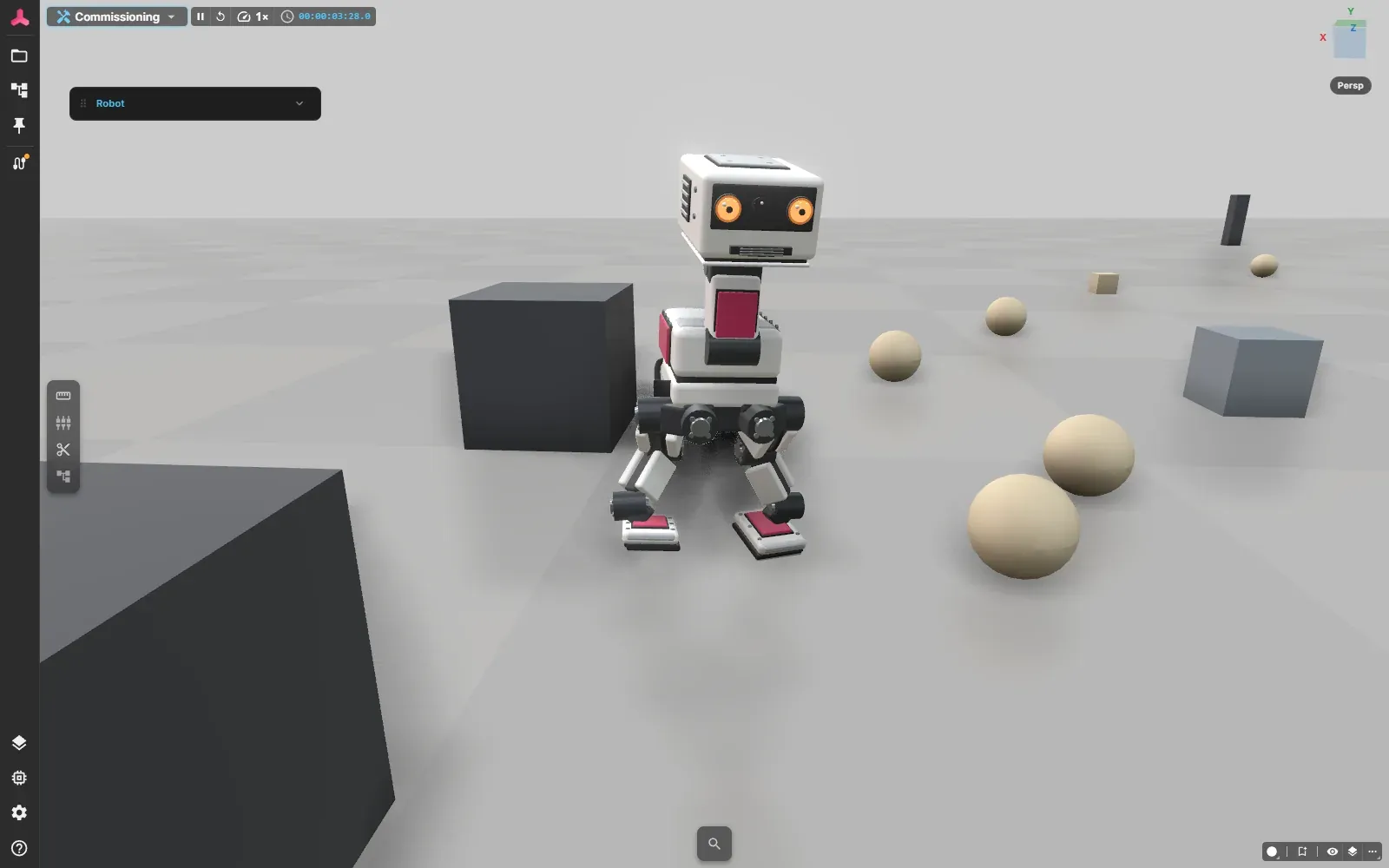
The walking robot mid-stride among the obstacles.
Try it
Section titled “Try it”- Open the public demo at web.realvirtual.io/demo.
- In the document picker (the folder icon in the left bar), select Walking Robot (MuJoCo detail physics).
- Wait for the first start. The physics engine and the policy runtime load only now, because this model asks for them. They add a download of about 24 MB (10.1 MB physics engine, 13.5 MB ONNX runtime), which the browser can cache. Models that do not ask for MuJoCo never load them.
- Press Play. The robot starts walking on its own and heads for the obstacles.
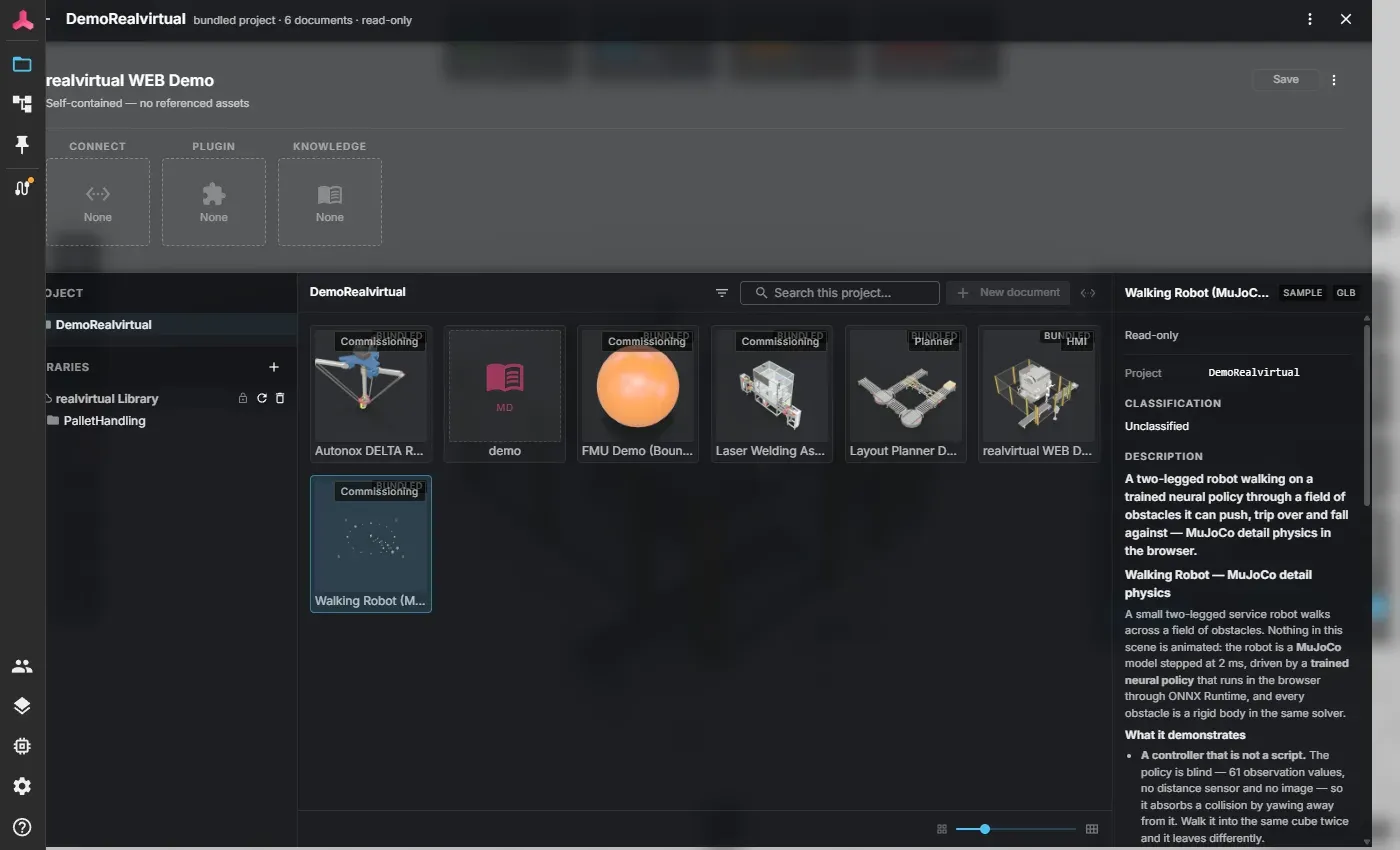
The Walking Robot entry in the document picker of the demo project.
Controls
Section titled “Controls”After Play the robot walks on autopilot. As soon as you press a key, you take over. About 5 seconds after your last key, the autopilot continues.
The keys move the robot relative to the screen, not relative to the robot. That way W always walks away from the camera, even after the robot has turned.
| Key | Action |
|---|---|
| W / S | Walk away from the camera / toward the camera |
| A / D | Walk left / right in the picture |
| Q / E | Step sideways |
| Space | Push the robot |
| R | Reset the robot |
The operator panel offers the same commands as dials and buttons, including the strength of the push.
Things to try
Section titled “Things to try”- Push it. Press Space. A light push is caught by the gait. At the default push strength of 1 m/s the robot falls, and it always gets up again on its own.
- Steer it into an obstacle. The autopilot rarely hits one, so hold W, A or D and walk the robot into a sand-coloured cube or ball. Watch how the gait reacts to the contact. Walk into the same obstacle twice and the robot leaves differently each time.
- Click an obstacle and change its mass in the Property Inspector. The robot weighs 0.737 kg and pushes with its own ground grip of about 7 N. With this robot, obstacles above roughly 0.7 kg are too heavy for it to move.
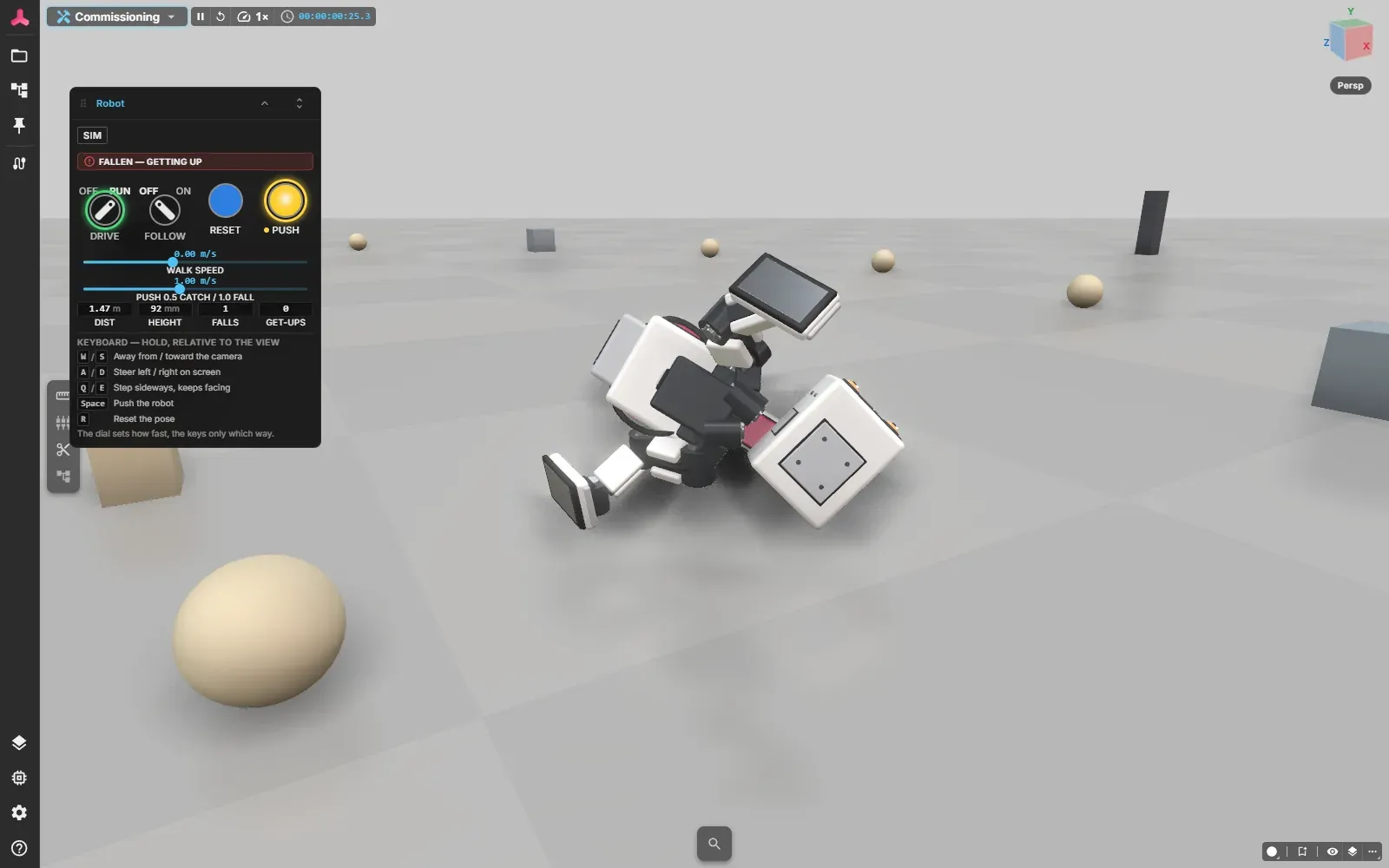
After a push the robot is on the ground. The operator panel shows that it is getting up and counts the fall.
What the demo shows
Section titled “What the demo shows”A learned controller. A policy reads 61 numbers 50 times per second: the rotation speed of the body, the direction of gravity, the position and speed of 14 joints, its own last output and a 13-value command (walking speed and turn rate, plus head and body pose, which the demo leaves at rest). It returns an offset from the default pose for each of the 14 joints, which becomes the new target angles. There is no camera and no distance sensor. The robot is blind, so it does not avoid an obstacle. It reacts to the contact when it happens.
Two policies. A walking policy keeps the robot moving. A second policy, trained to stand up, takes over after a fall. A small state machine decides when to switch. Three cubes placed close together can box the robot in so that it never gets up, because a blind policy can only stand up where there is room.
Obstacles with editable physics. Each obstacle carries its own components for collision shape, mass and friction, and it can be moved with the mouse. Click one and the Property Inspector shows the physics it runs on. The colours mark mass groups: light sand-coloured obstacles are played away, steel ones trip the robot, graphite ones are heavy enough to stop it.
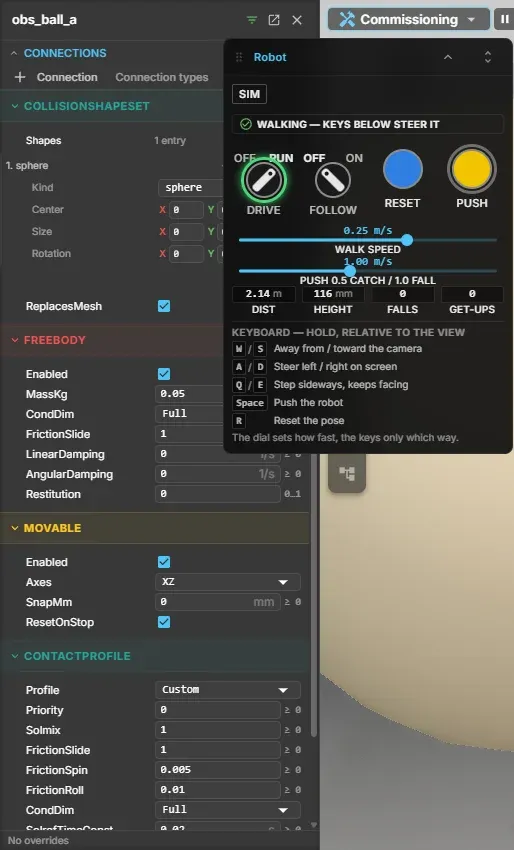
Selecting an obstacle shows the physics it runs on, here a ball of 0.05 kg.
Signals like any other machine. The robot is commanded and observed through signals: the walking command, enable, reset and push on the way in, and values such as fallen, recovering, distance walked and number of falls on the way out. A PLC connected through CONNECT can drive it the same way as the panel does.
How it works
Section titled “How it works”The robot, its physics setup and the two policy files belong to the demo project, and the model declares which of them it uses. The model declares that it needs MuJoCo. Only then does the viewer download the physics engine (WebAssembly) and the ONNX runtime. The physics runs in 5 ms steps. The policy runs every fourth step, 50 times per simulated second, which is the rate these policies were trained at. A different policy has to run at the rate of its own training setup.
A policy is bound to its robot. It expects exactly the observations, joint order and default pose it was trained with, and these are stored as data in the model. A different robot needs its own policy.
Limits
Section titled “Limits”- Beta. MuJoCo is in Beta, belongs to the commercial tier and is part of the public demo project.
- One robot at a time. Detail physics is the most demanding level. See Multi-Model Simulation for how it compares with the others.
- Blind policy. The robot does not sense obstacles ahead. After a collision it can drift off its course.
- Not a robot model for sim-to-real. The demo shows how a policy behaves in a simulated physical world. Whether it works on a real robot depends on how well masses, friction and motors match the real one.
Licence and sources
Section titled “Licence and sources”The walker is based on Microduck by Pollen Robotics. realvirtual took two things from the openly licensed Microduck material:
- the Apache-2.0 text description of the robot (microduck-simulator): body tree, joints, sensors, actuators and inertia values;
- the two trained policies, unmodified (microduck-policies, Apache-2.0).
The 3D geometry of the robot is realvirtual’s own work, made from simple primitives. No mesh of the original model is used. realvirtual did not train the policies. Pollen Robotics publishes its training code in the microduck_rl repository.
“Microduck” and “Pollen Robotics” are marks of their owner. The demo is a small two-legged service robot of realvirtual’s own design that is driven by the same openly licensed policies. It is not that product and is not endorsed by Pollen Robotics. The full licence and provenance record ships with the demo project as MuJoCoWalker.LICENSE.txt. The meshes of the original model are under a different, non-commercial licence (CC BY-NC-SA 4.0) and are not part of the demo.
See also
Section titled “See also”- Physical AI - what the term means and what realvirtual does with it.
- Multi-Model Simulation - where detail physics sits among the simulation levels.
- Physics - rigid-body physics with Rapier.