
Fanuc Roboguide
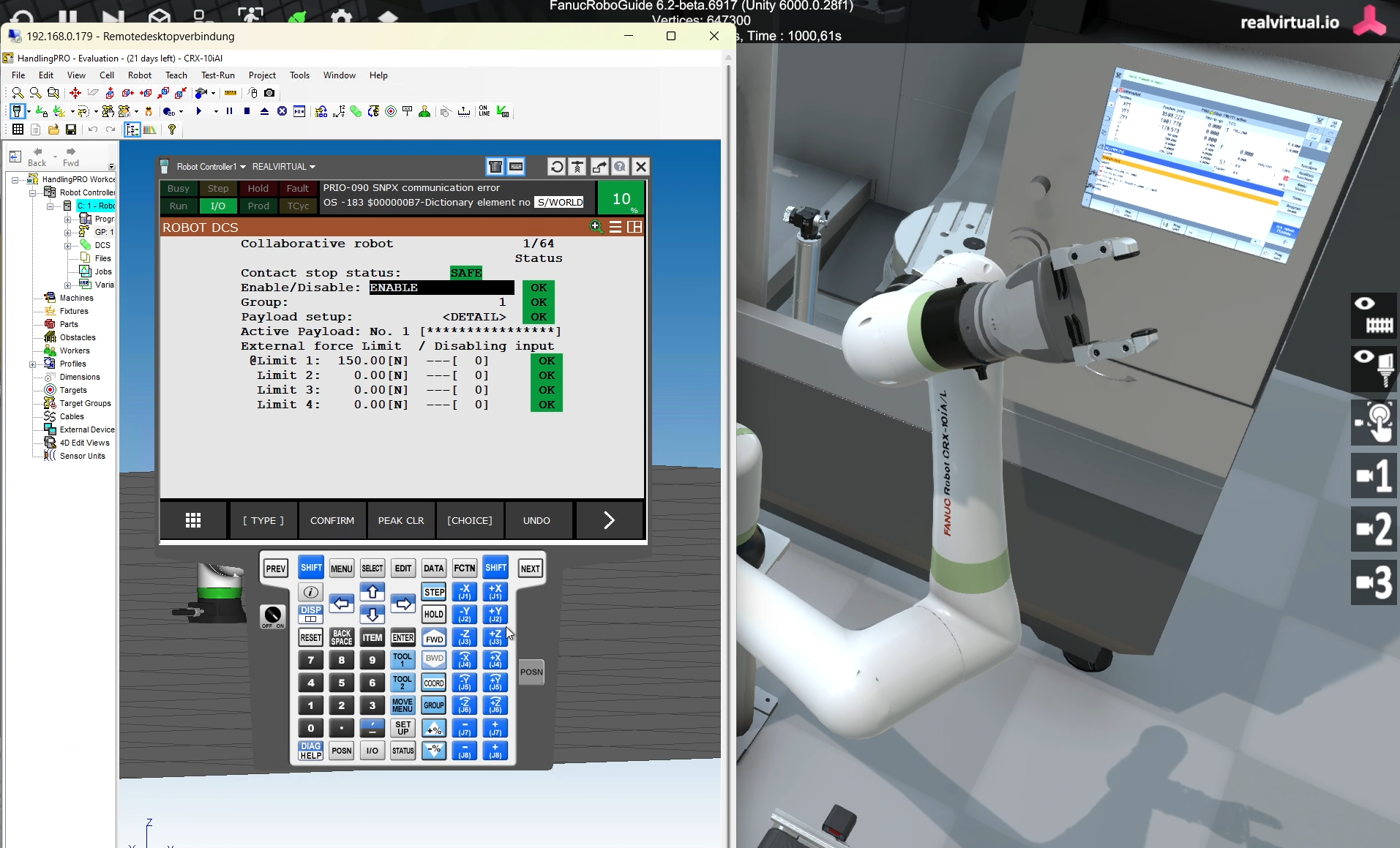
This page outlines the requirements and signal configuration for using a ROBOGUIDE workcell with a FANUC CRX-10iA/L robot as part of the Fanuc ModelZoo.
The setup enables real-time simulation of robot behavior within Unity using SNPX-based communication, synchronized with a simulated PLC-controlled conveyor.
Requirements
Section titled “Requirements”To enable communication between Unity and ROBOGUIDE using SNPX, your controller must support the Robot Interface (RobotIF / SRTP) protocol.
This is configured during the ROBOGUIDE workcell creation process.
Enabling SNPX in ROBOGUIDE
Section titled “Enabling SNPX in ROBOGUIDE”During Step 7 (Robot Options) of the Workcell Wizard in ROBOGUIDE, select one of the following configurations:
Option 1: R650 FRA Params
- Select “FANUC America Corp.” in the Advanced tab
- Add robot option: R553 – HMI Device SNPX
Option 2: R651 FRL Params
- Select “FANUC Ltd.” in the Advanced tab
- No additional options required
Network Access
Section titled “Network Access”Ensure the following network conditions are met:
- TCP port 60008 (Robot IF Server) is open and accessible
- The Unity/realvirtual.io and the ROBOGUIDE controller must be on the same network or subnet
Signal Configuration
Section titled “Signal Configuration”The interface between the robot and the simulated environment uses digital signals. These must be properly configured and exposed in both the Unity scene and ROBOGUIDE.
Outputs (From Robot → robot)
Section titled “Outputs (From Robot → robot)”| Signal Name | Type | Description |
|---|---|---|
RobotIsLoading | DO1 | Robot is loading the cell |
RobotIsUnloading | DO2 | Robot is unloading the cell |
CloseGripper | DO3 | Command to close the gripper |
Inputs (From Unity / Conveyor → Robot)
Section titled “Inputs (From Unity / Conveyor → Robot)”| Signal Name | Type | Description |
|---|---|---|
StartLoading | DI1 | Conveyor requests loading of the cell |
StartUnloading | DI2 | Machine requests unloading of the cell |
GripperClosed | DI3 | Sensor feedback: gripper is closed |
Ensure these signals are defined in ROBOGUIDE’s I/O configuration and used in your Fanuc programm.