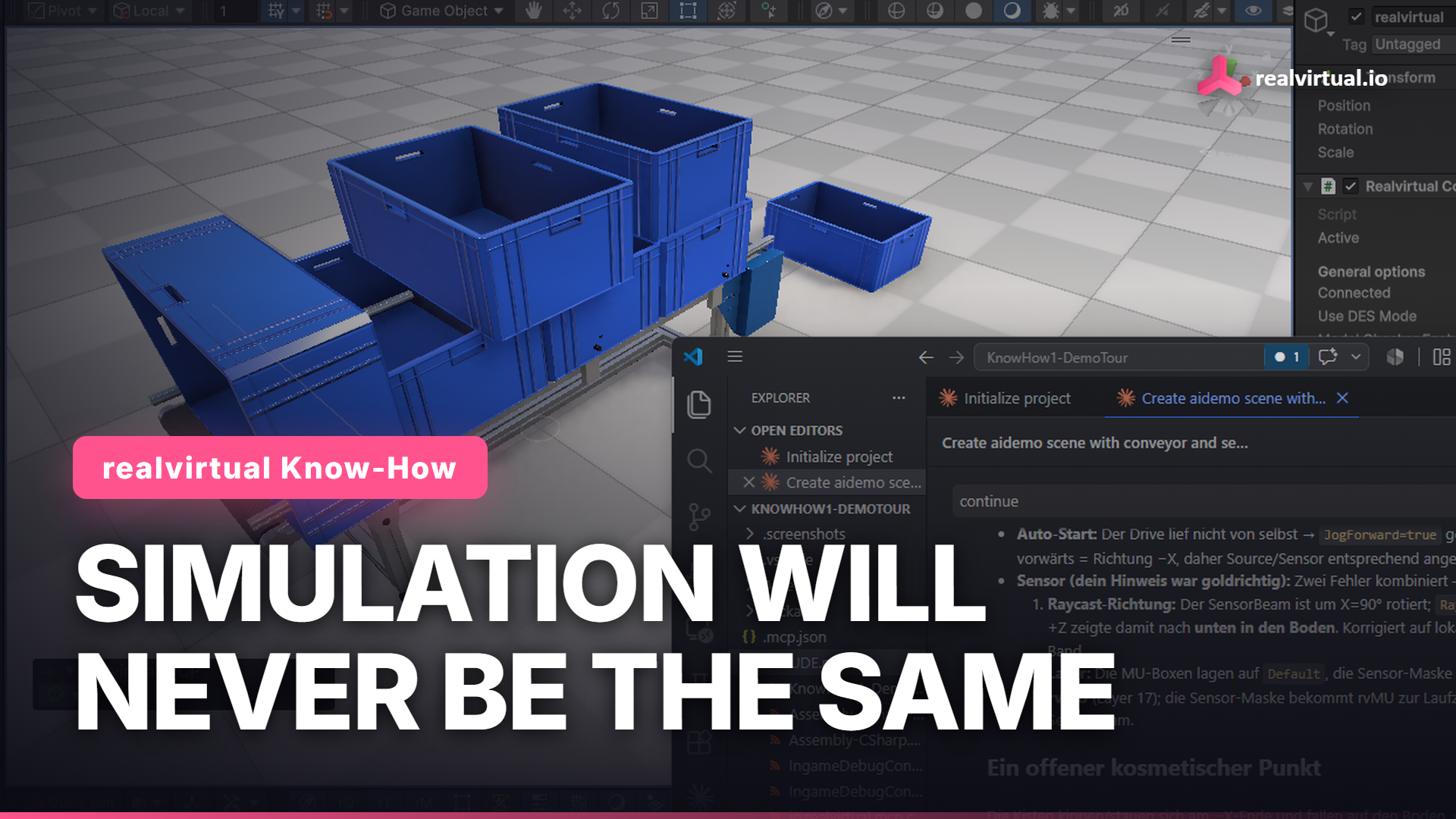
The best AI agents don't work by magic. They work by calling tools. The more open your system is, the more an agent can actually do inside it. A closed, encapsulated simulation gives an agent nothing to hold onto. That is the idea behind our MCP Server for Unity: it is open source, so any AI agent gets real leverage over your digital twin.
Watch the full tutorial on YouTube
What it does
The realvirtual MCP Server is a free, open-source (MIT) Unity package that implements the Model Context Protocol. It lets AI agents like Claude or Cursor control the Unity Editor and, together with realvirtual, a live digital twin: start the simulation, drive a conveyor, read a sensor, solve robot inverse kinematics.
Install it
Add it from the Unity Asset Store, or in the Package Manager with a git URL. You need Unity 6 and git in your PATH. The server ships its own embedded Python, so there is nothing to configure on your side.
Connect your agent
A brain icon appears in the scene toolbar. Click the gear, download the Python server, and configure Claude, all from one popup. Restart your client and the toolbar turns green when the agent connects.
Control the twin in plain language
Now you just type. Ask it to list the drives, start the simulation, run the conveyor forward, or check whether a sensor is occupied. Each request becomes a real tool call against the running twin. The digital twin tools ship with realvirtual 6.3; the general Unity tools work in any project.
Add your own tools
When you need a tool that does not exist yet, add the [McpTool] attribute to any static C# method and recompile. The agent sees it instantly. No Python, no manual registration.
Why open wins here
You see every tool, you extend every tool, and the agent gets leverage instead of a locked door. Still running a closed, encapsulated system? AI just made that a problem.
Try it yourself
Requires Unity 6.3 LTS. Both packages are free.
Free MCP Server: realvirtual.io MCP Server on the Unity Asset Store
Free Starter: realvirtual.io Digital Twin Starter
Documentation: doc.realvirtual.io
Deep dive: virtual commissioning AI – how AI agents and vision AI come together in one digital twin.
This article is part of the realvirtual Know-How series.