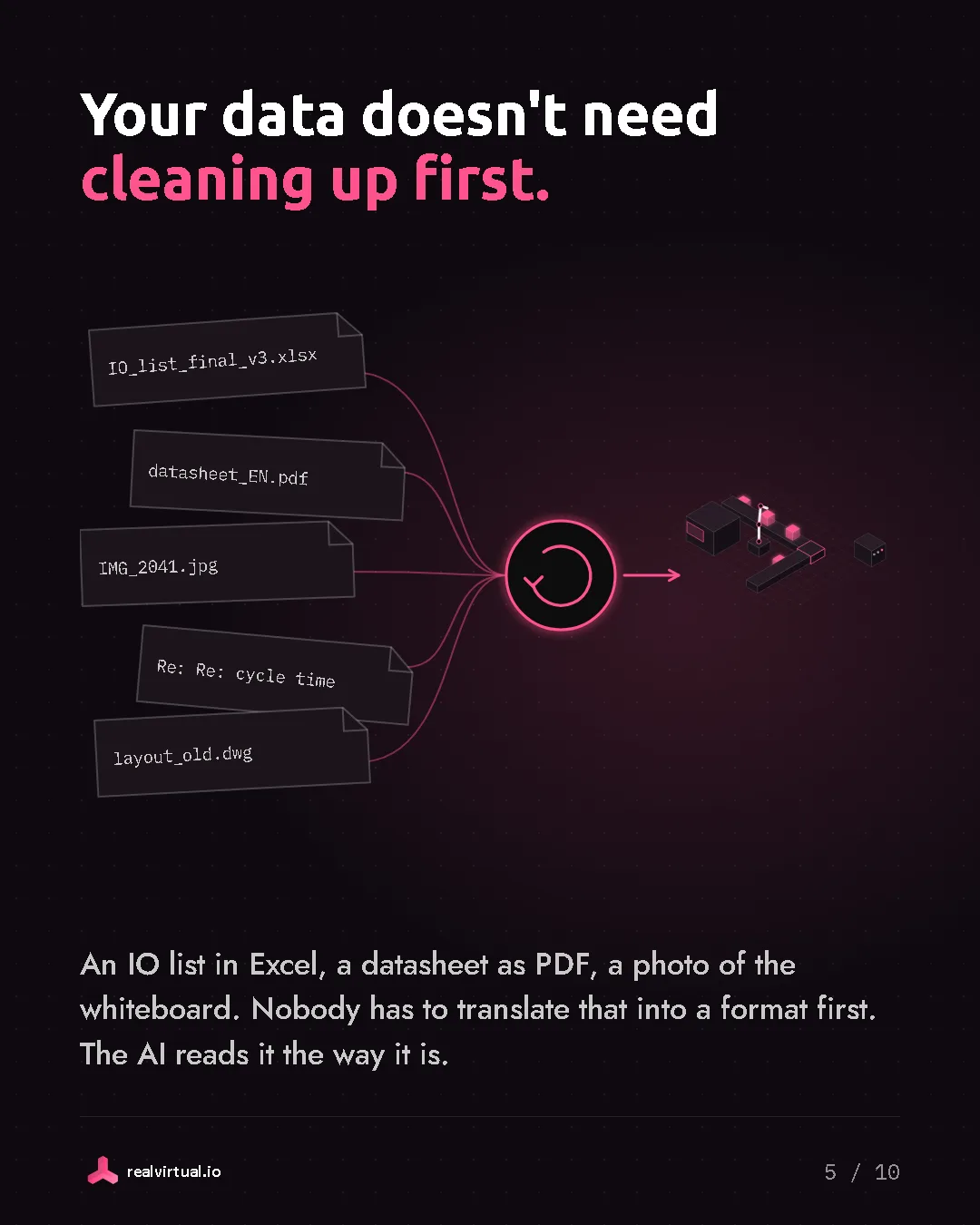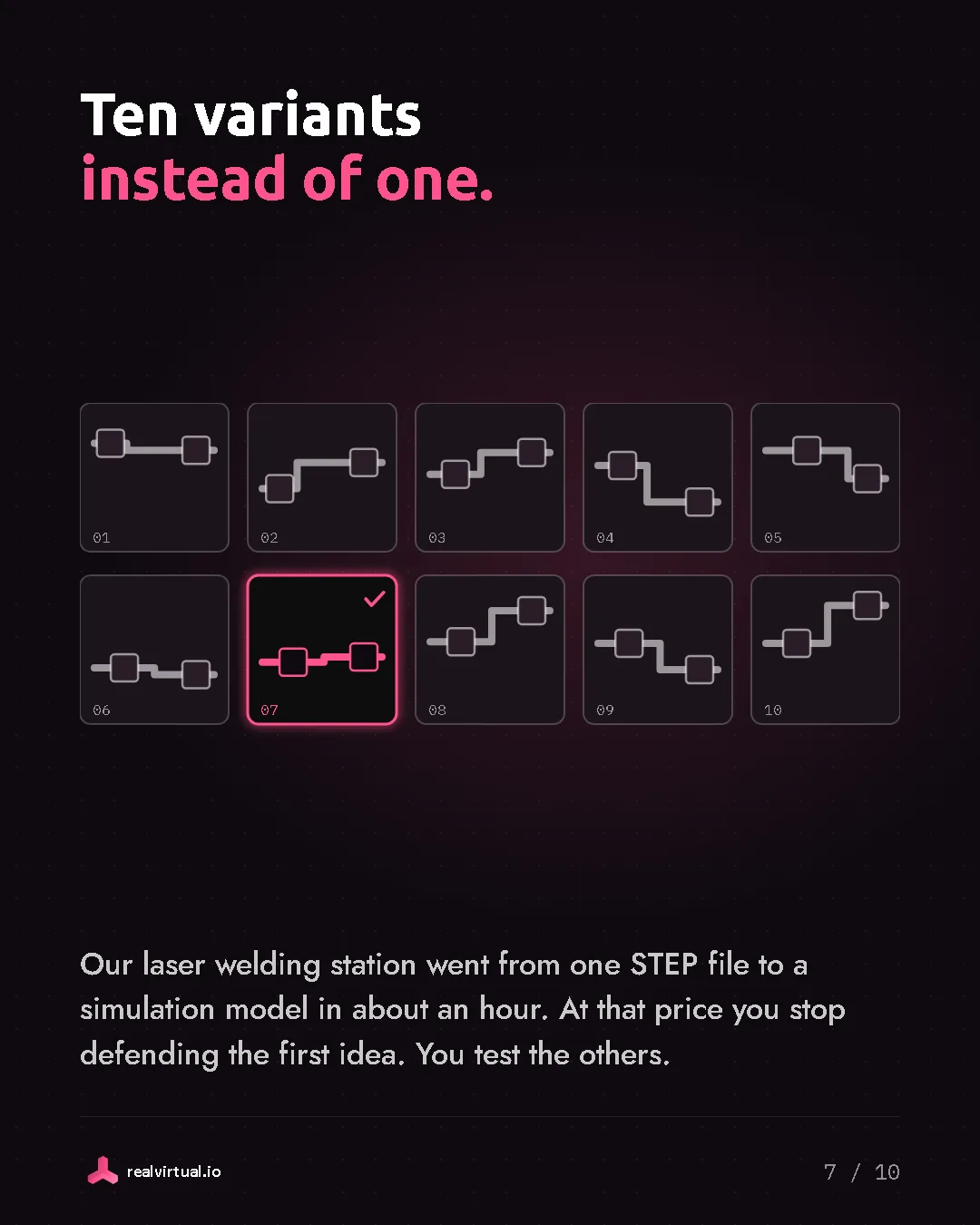
We started with one page of the Interroll catalogue. Page 27 of 133, the RM 8320 roller conveyor curve, driven.
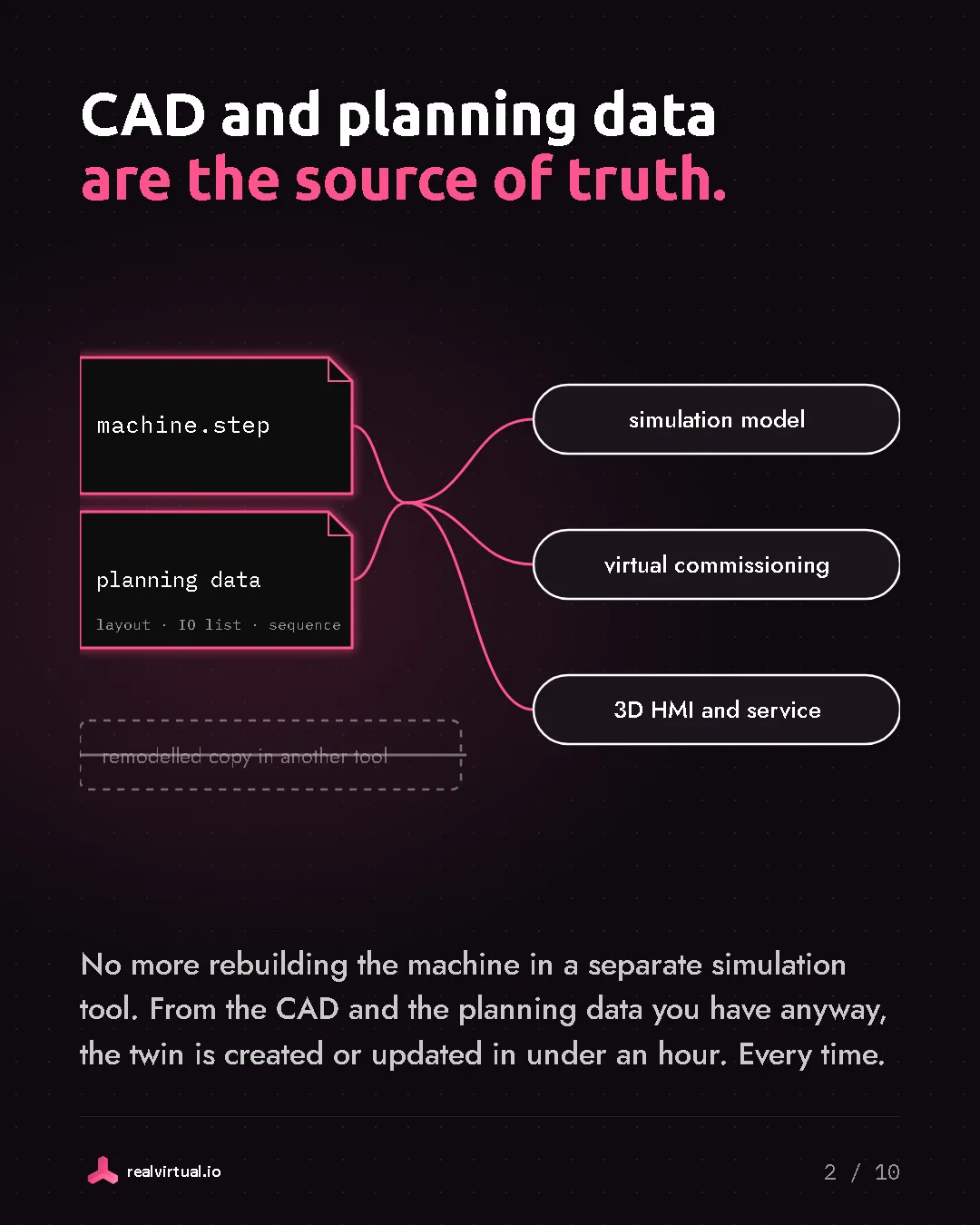
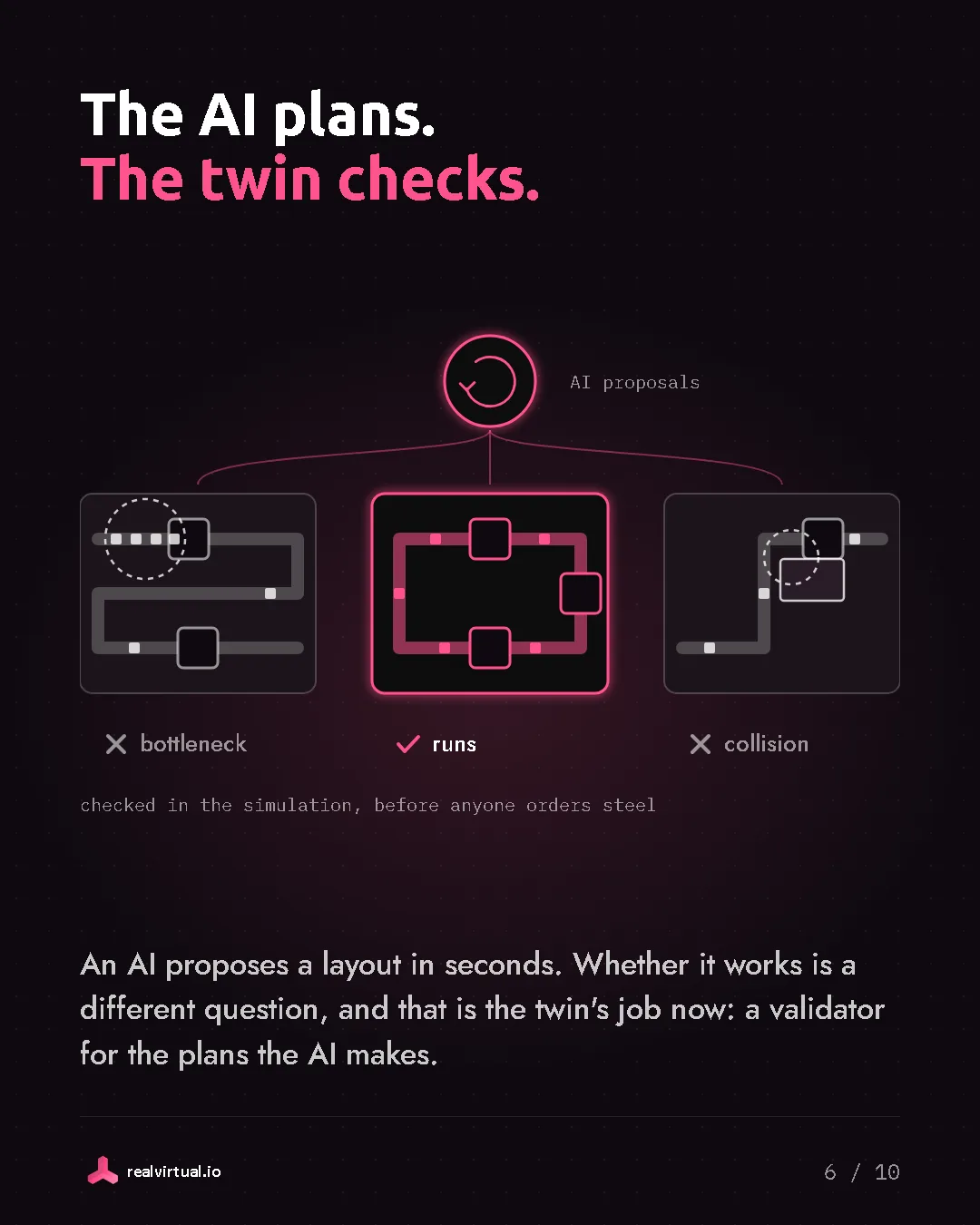
An AI read that page and modelled the 90-degree curve parametrically in SolidCraft. Each change appeared live in realvirtual WEB through our new live link. Then the AI built an automation component for the library, with materials, snap points, a transport surface and a sensor. It put four curves together into a circle and sent cartons around it in the simulation.
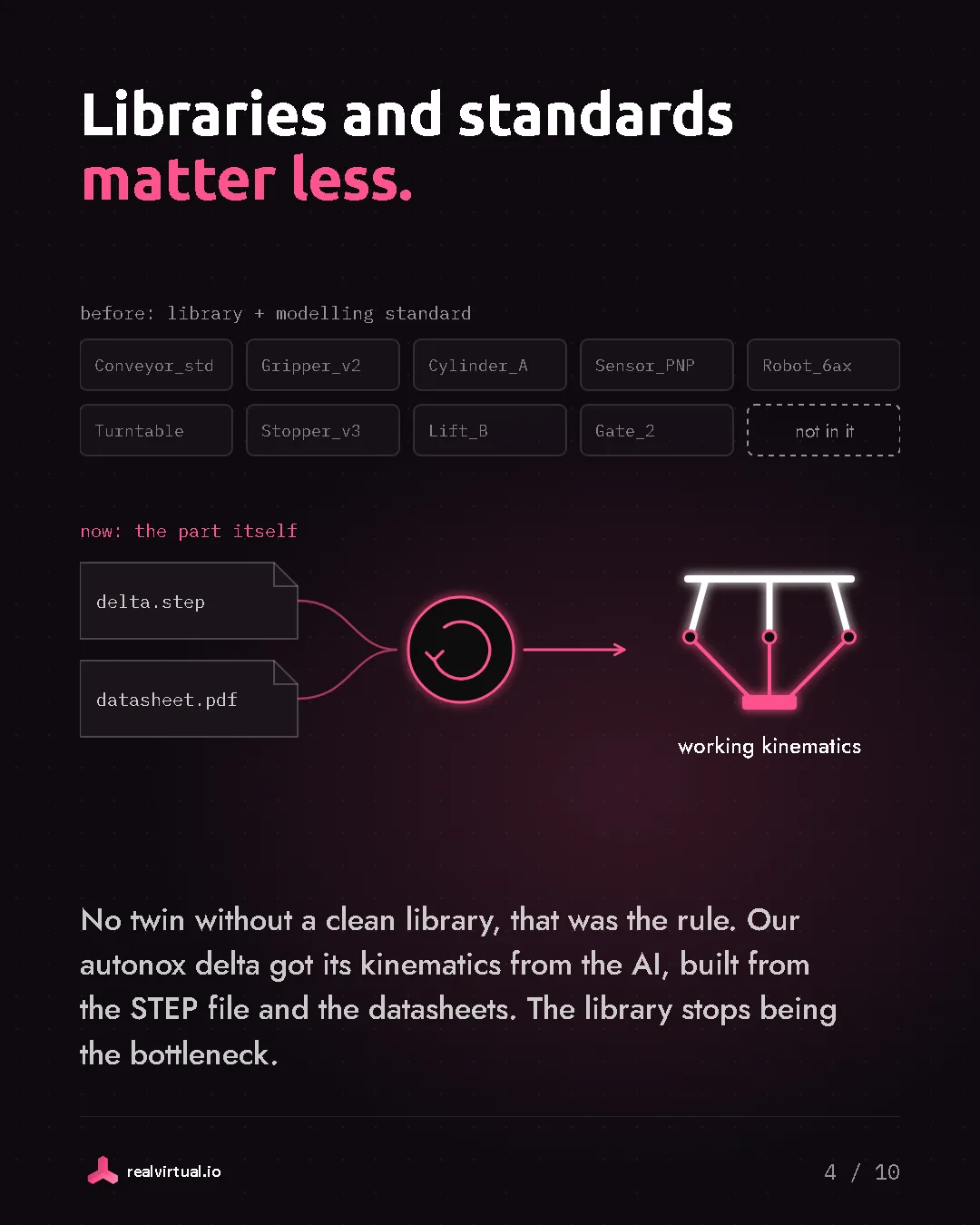
Until now somebody had to build and maintain these libraries, manufacturer by manufacturer. Or you needed to pay your simulation software provider a lot for it. I think that work is going away.
The AI creates the automation component for layout planning and simulation on its own, straight from the catalogue. For virtual commissioning and continuous simulation, it already works. For DES soon. SimReady for realvirtual.
Thanks to Tangency Labs for SolidCraft, an open source parametric CAD written in Rust with its own MCP server. Fantastic work.
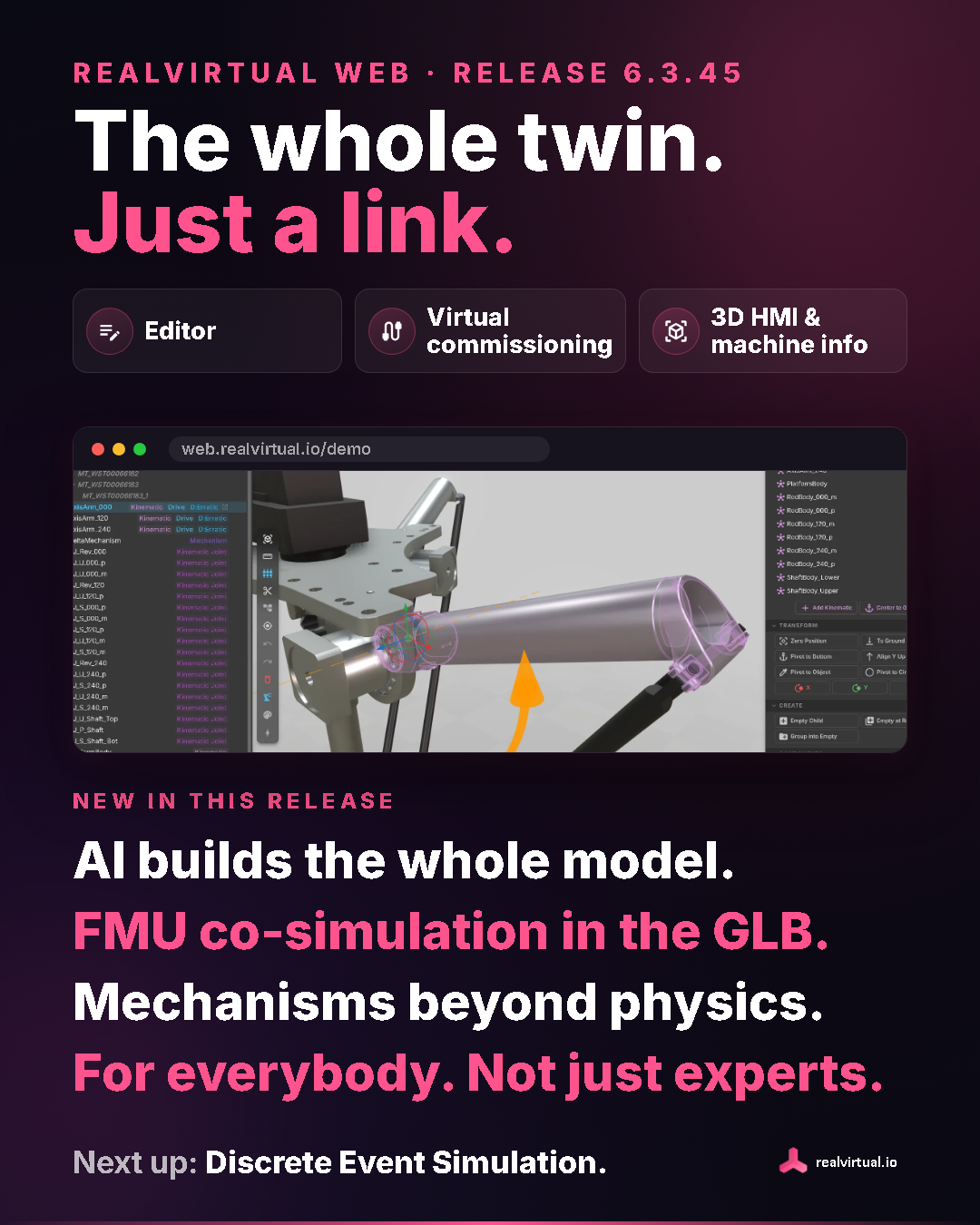
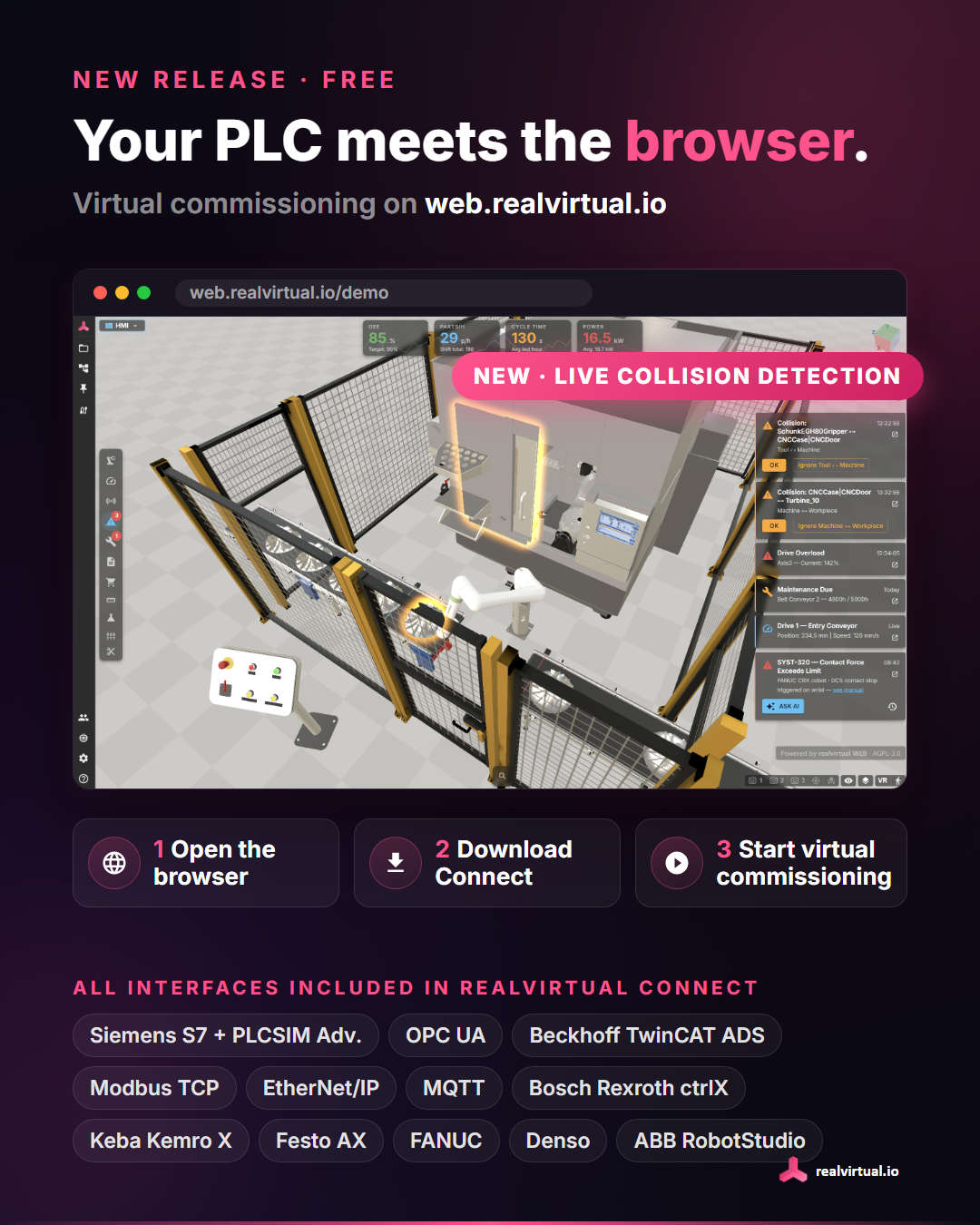
You can try the live link between SolidCraft and realvirtual WEB on our public demo.