Experience digital twins
in action
Try realvirtual in your browser, connect your PLC via realvirtual CONNECT (beta), or start free in Unity.
Demos, Downloads & Getting Started
Two ways to experience realvirtual.io – in the browser or in Unity
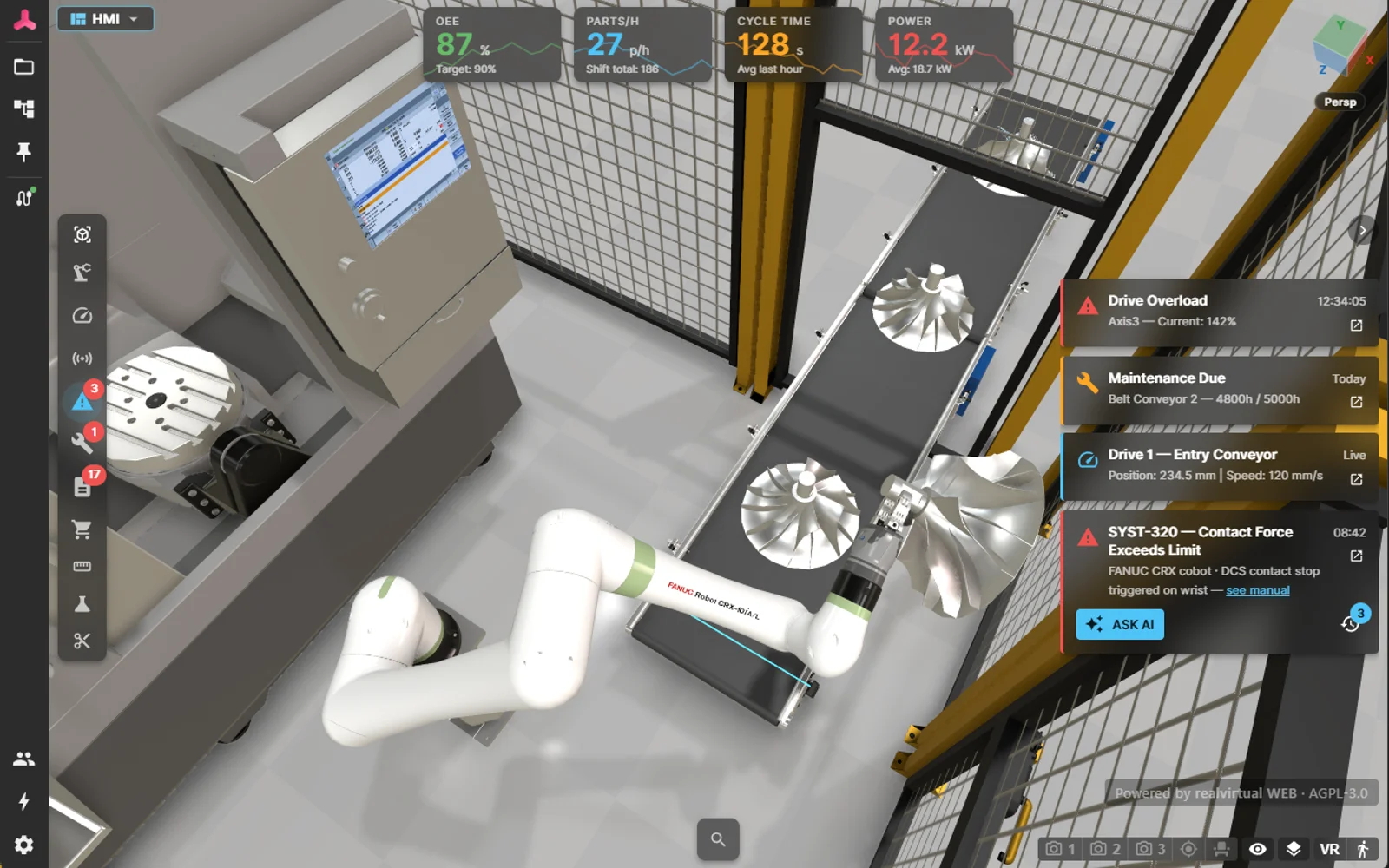
realvirtual Demo
Browser – No InstallTry the digital twin without installation or login. For PLC connection (beta), install realvirtual CONNECT locally; the free version supports up to 20 signals.
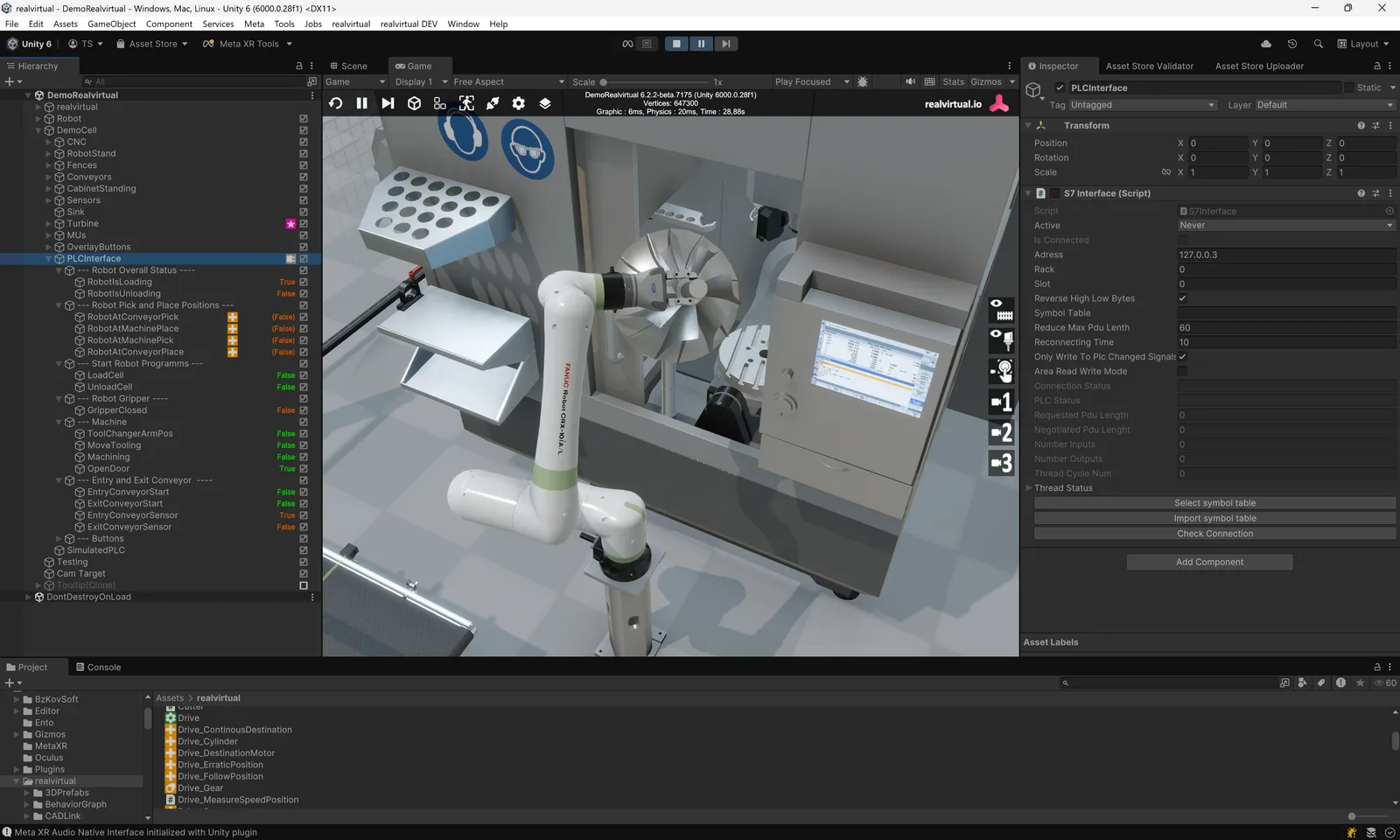
realvirtual for Unity Starter
Free – Unity Asset StoreFree Starter edition with a complete demo scene for Unity. Requires Unity 6.3 LTS. Start building your own digital twin today.
Three Paths to Get Started
In the browser – the public demo
The shortest way in: no installation, no account, no licence. The demo runs the full commercial feature set – open the Asset & Kinematics Editor, import your own STEP or JT files, build kinematics and drives, run a discrete event simulation (beta), and try inverse kinematics, machining and physics.
Free-tier limits: 25 MB per STEP file, 12 MB per JT file (JT is licensed separately), and 20 live signals through the free realvirtual CONNECT tier. Live controller signals and the MCP endpoint for AI assistants come from CONNECT running next to your PLC – free at that tier. A commercial licence lifts both limits.
Open the live demo (opens in a new tab)As Web App – the open-source core
Clone realvirtual from GitHub and run npm install && npm run dev. No Unity needed. This is the open-source core under AGPL-3.0: it opens and runs a delivered GLB twin – drives, sensors, transport surfaces, grippers, live signals over rv WebSocket Realtime v2, HMI panels, camera presets, linked PDF documents and the layout planner.
Authoring is not part of it. The Asset & Kinematics Editor, CAD import (STEP, JT, USD, FBX, Onshape), the robot IK solver, closed-loop mechanisms, machining simulation, the DES kernel and physics need a commercial licence in your own deployment. The AGPL build reads GLB – it does not build a twin from raw CAD. Path 1 runs all of it, free, in the browser.
View on GitHub (opens in a new tab)With Unity – Starter or Professional
Install Unity 6.3 LTS, then get realvirtual for Unity Starter (free) or Professional from the Unity Asset Store. Full simulation, virtual commissioning, and 25+ PLC interfaces. realvirtual Commercial includes the realvirtual for Unity Starter and Professional plugins as downloads — an option, not a prerequisite: the digital twin is authored in the browser, so Unity is not required. realvirtual for Unity Professional is also available separately, without realvirtual Commercial. The Unity Editor licence is not included and must be obtained separately from Unity Technologies.
Download Unity 6.3 (opens in a new tab)Deploy on All Platforms
Build once, deploy everywhere
Windows
macOS
Linux
iOS
Android
WebGL
One free hour. Your machine.
The browser demo shows what realvirtual can do. Book a free live hour — screen to screen, no slides, everything live. Send us your CAD data beforehand and we'll show it directly on your own example.
Opens the contact form — pick a preferred date, we reply within one business day.
What the hour looks like
- 0–15 min
Your machine & goal
You show us your application — a cell, a line, a CAD model, a control task. We map it to what a digital twin would actually do for it.
- 15–45 min
Hands-on in the twin
We drive a live model together: sensors, drives, transport, a real PLC signal over one of 25+ interfaces. You steer, we answer as we go.
- 45–60 min
Your path forward
Where to start — realvirtual in the browser, or realvirtual for Unity — and the honest limits. You leave knowing exactly what a twin buys you.