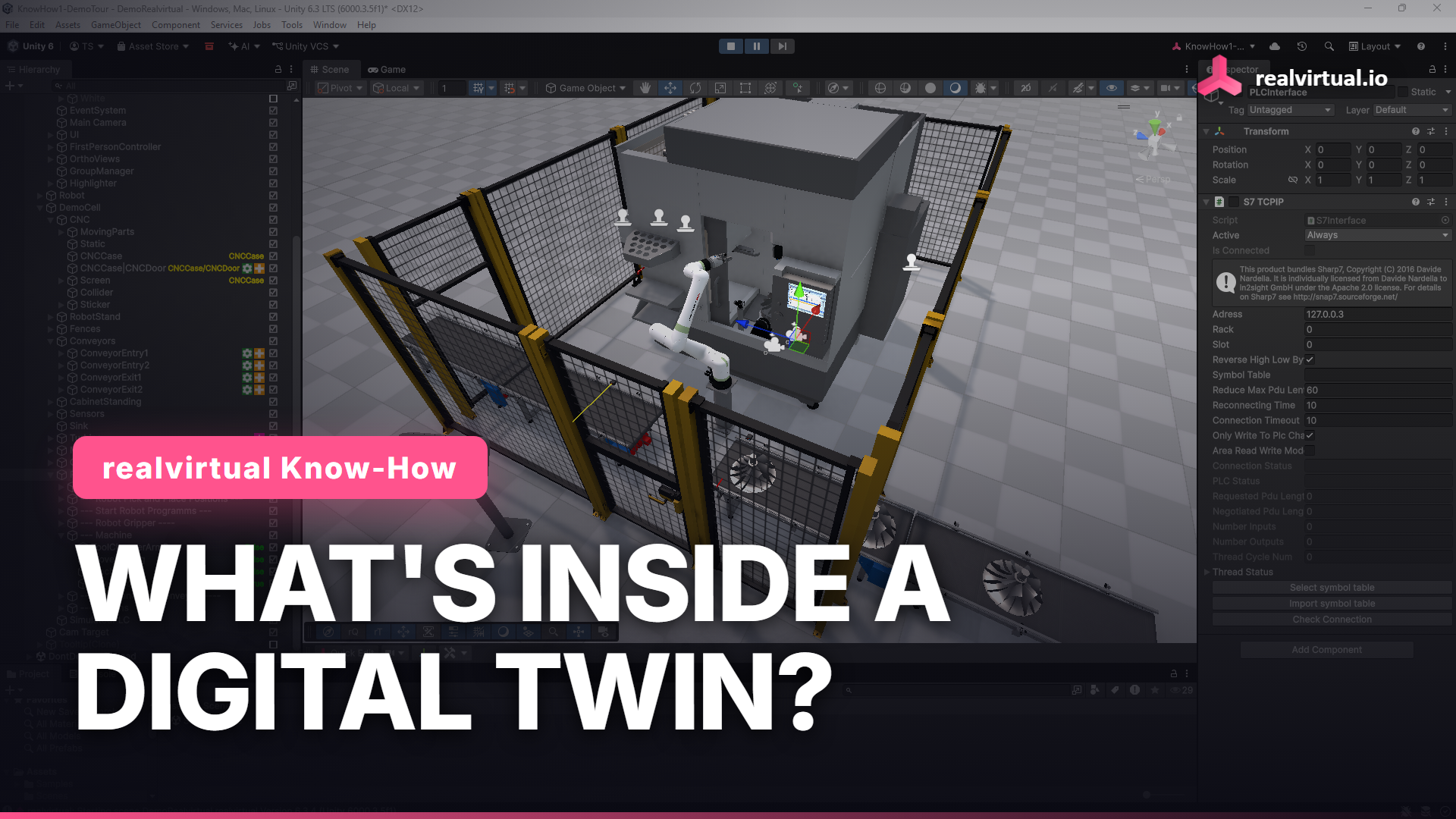
The word digital twin gets attached to almost anything that looks like a 3D model on a screen. In realvirtual.io it means something more specific. A digital twin is 3D geometry plus behavior. The geometry is what the machine looks like. The behavior is what it does. Without the behavior part you have a 3D viewer, not a twin.
The easiest way to see how the behavior is built is the Getting Started demo that ships with realvirtual.io. It is a small machine you can open, run, and take apart. Three building blocks make it work.
Drives make the geometry move
A drive is what turns a static mesh into a moving machine axis. You attach a Drive component to a part, and that part can now translate or rotate with a real motion profile: acceleration, deceleration, speed, end positions. Machine axes are arranged as a kinematic hierarchy, so a part mounted on another part inherits its parent's motion. Move the base and everything on it follows. That is how a real mechanical assembly behaves, and it is how the drives are organized in the demo.
Behavior reacts and decides
Drives move when something tells them to move. That something is a behavior model. Behavior models sit on top of drives and sensors and define the logic: when a sensor reports a part, close the gripper. When a cycle starts, run the axis to its end position. The behavior is driven by signals. In the Getting Started demo you can force a signal by hand and watch the machine react: force the door signal and the machine door opens or closes. No code change, no recompile. You set the signal value and the behavior does the rest.
Signals and the interface to a real PLC
Signals are not just an internal trick for testing. They are the same I/O a real controller exchanges with the machine. realvirtual.io models them as PLCInput and PLCOutput objects. The direction is defined from Unity's point of view as the simulated plant: a PLCInput is something Unity writes toward the controller, like a sensor reading, and a PLCOutput is something Unity reads from the controller, like an actuator command. While you build and test, you force those signals by hand. When you are ready for virtual commissioning, realvirtual.io Professional connects the same signals live to a real controller such as Siemens or Beckhoff, and the PLC program drives the twin instead of you. The behavior you built does not change. Only the source of the signals does.
Try it yourself
The Getting Started demo is free. You get drives, behavior, sensors, and a PLC interface already wired up in the realvirtual.io Starter from the Unity Asset Store. You need Unity 6.3 LTS to open it. Install it, press play, and force a signal to feel how the three blocks fit together.
Watch the full demo tour on YouTube
Free Starter: realvirtual.io Digital Twin Starter on the Unity Asset Store
Documentation: doc.realvirtual.io
How realvirtual extends Unity for industrial use is shown on the Unity digital twin page.
This article is part of the realvirtual Know-How series.