realvirtual WEB 6.3.45 is out. We wanted to finish this release before moving on to the next major feature.
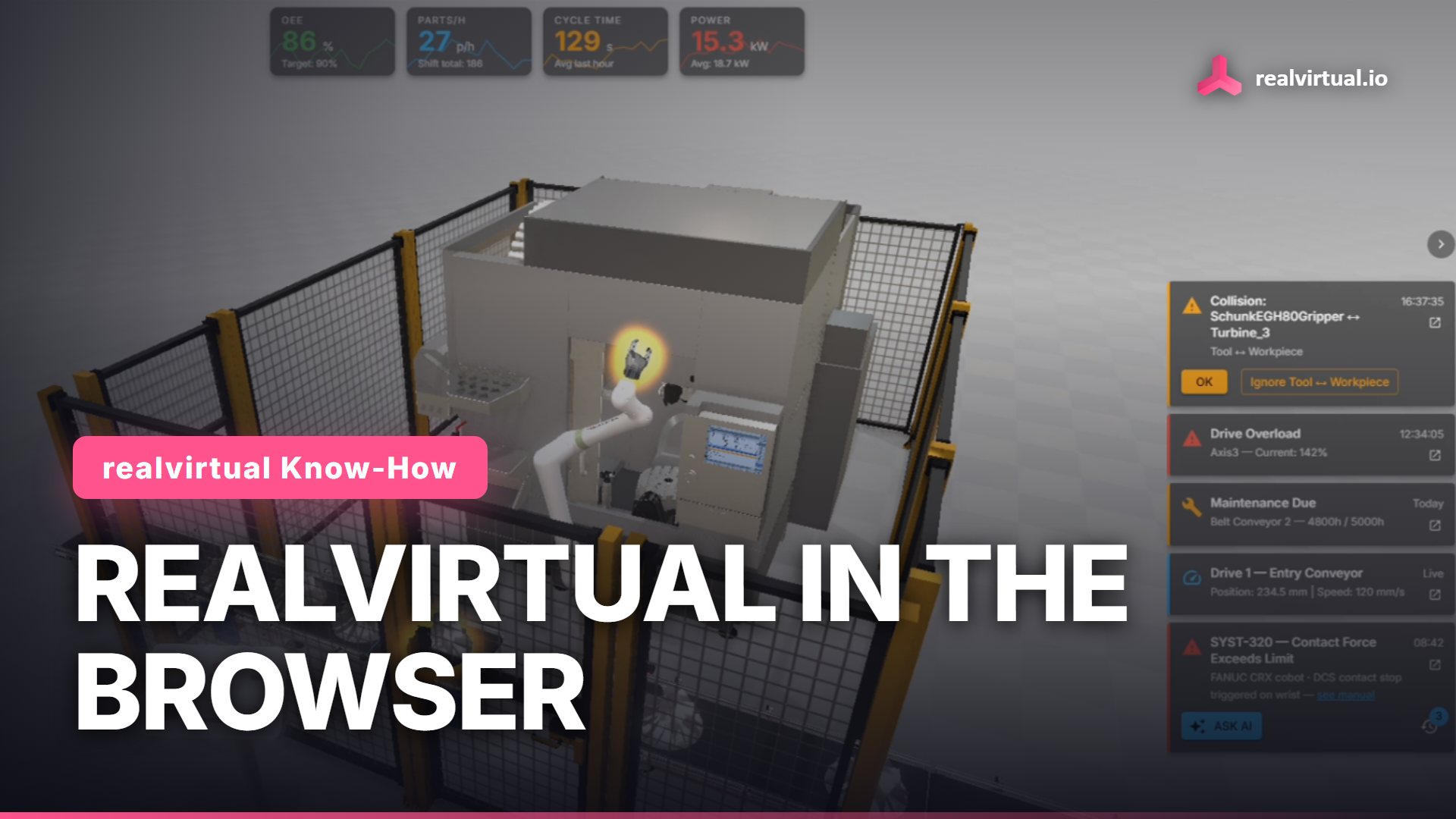
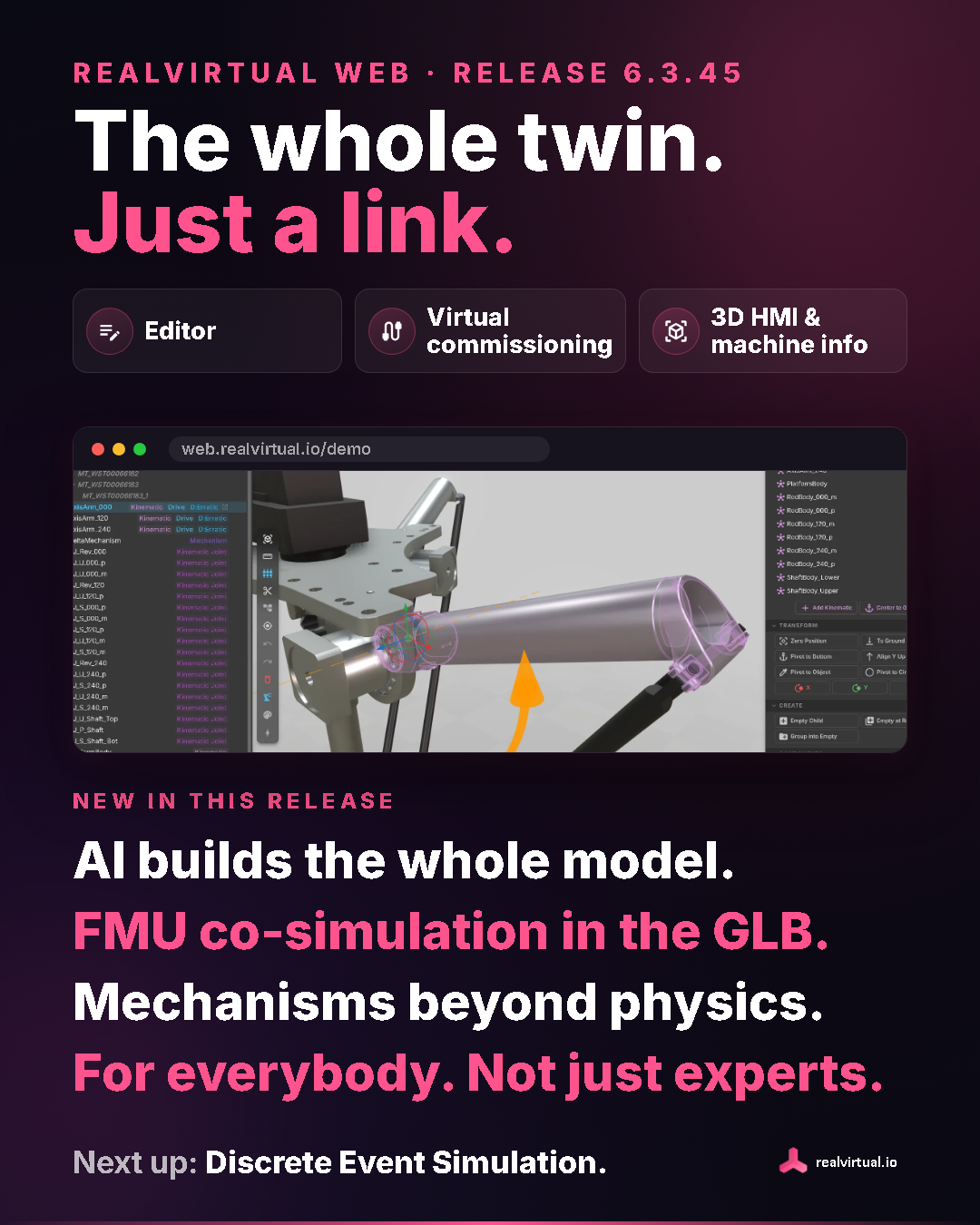
You can now build and edit a digital twin in the browser, use it for virtual commissioning against a real PLC, and keep using the same model as a 3D HMI and machine information system on the shop floor. We want this to be accessible to colleagues who do not work with simulation every day.
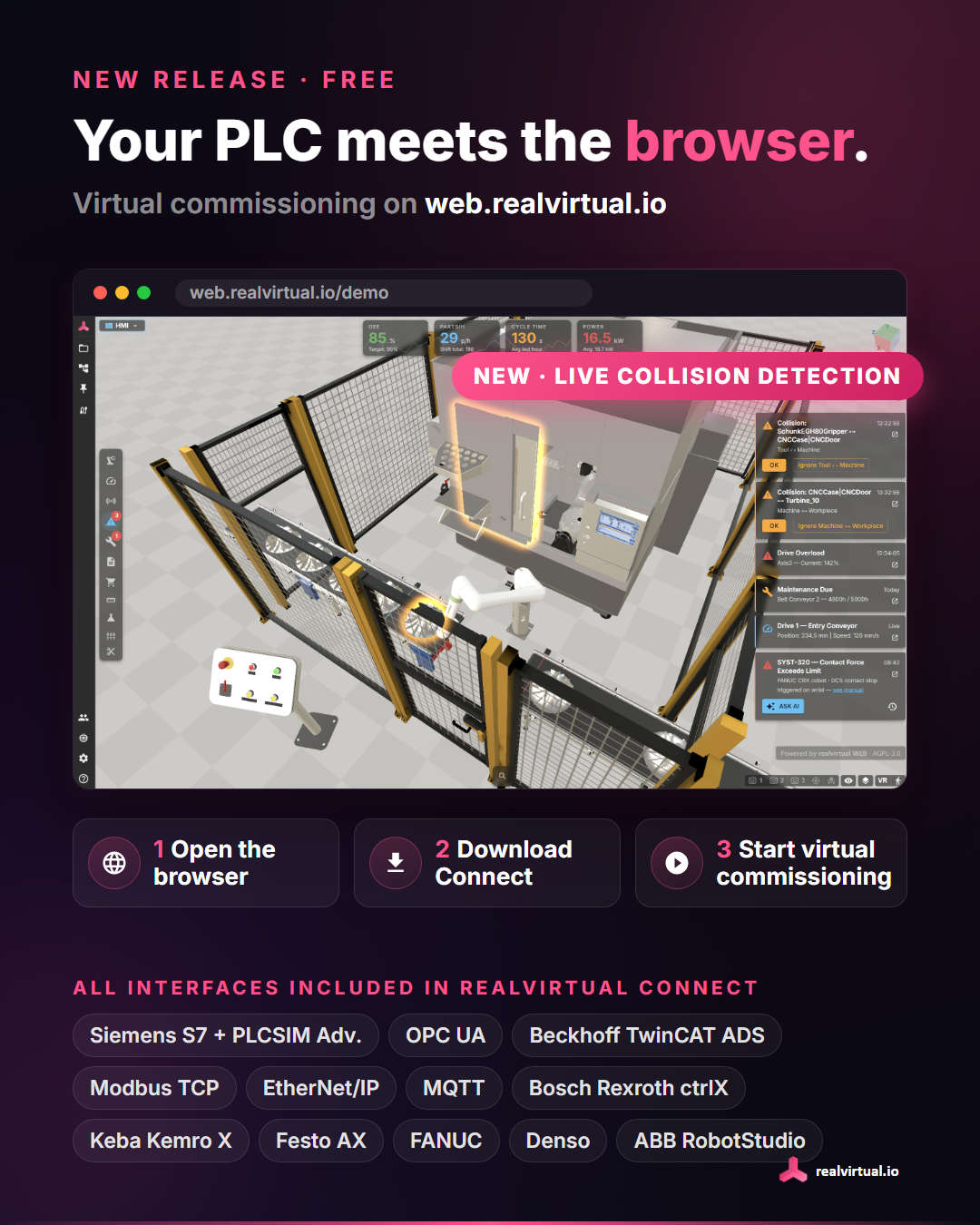
Through realvirtual CONNECT, realvirtual WEB now supports Siemens S7 (S7-300/400/1200/1500 and PLCSIM Advanced), Beckhoff TwinCAT ADS, OPC UA, MQTT, Modbus TCP Client and Server, EtherNet/IP (Allen-Bradley), Bosch Rexroth ctrlX and ctrlX Data Layer, Keba Kemro X, and Festo AX (PLCnext). Robot interfaces include FANUC (RoboGuide/Robot-IF), Denso (b-CAP), and ABB RobotStudio (SIMIT SHM).
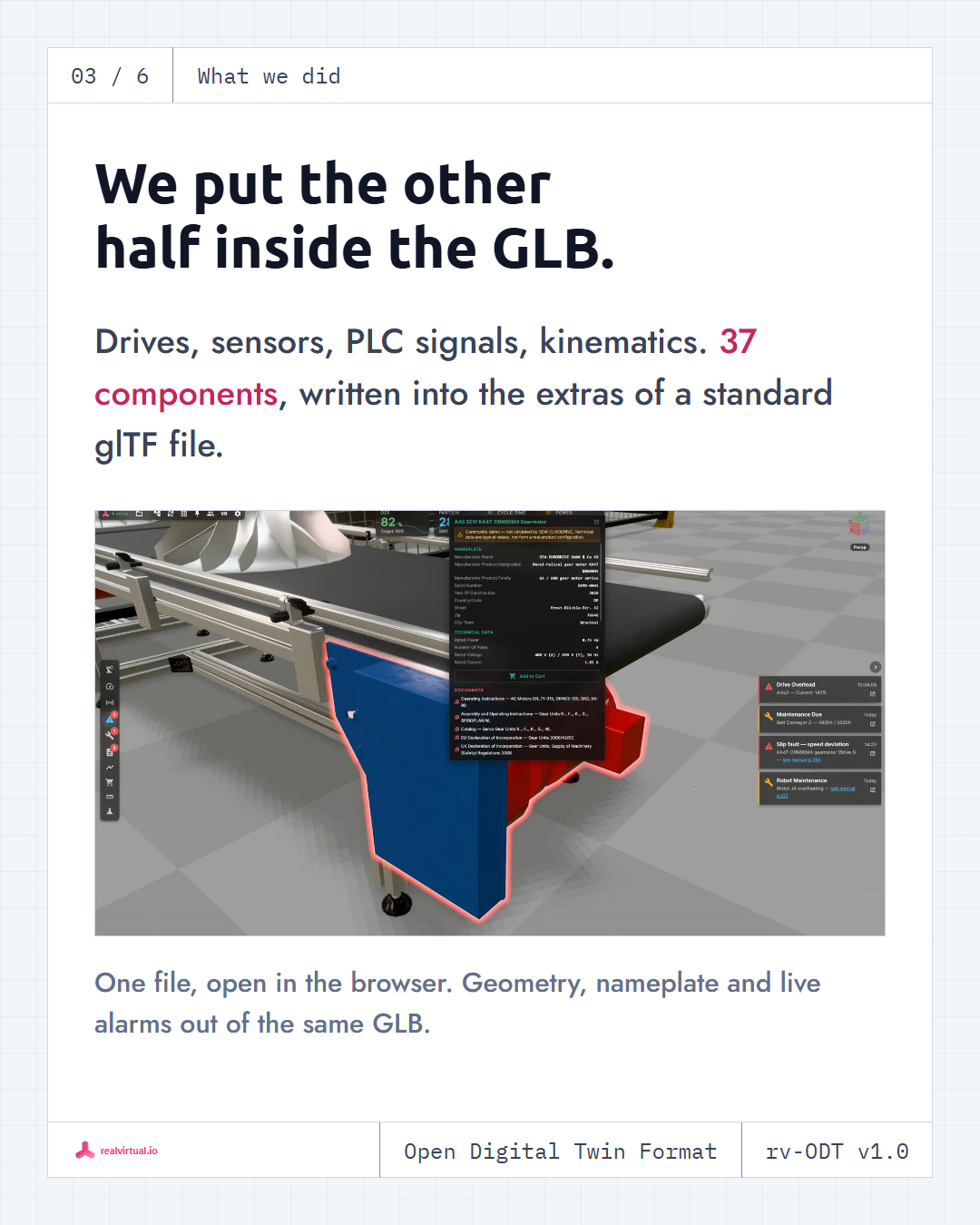
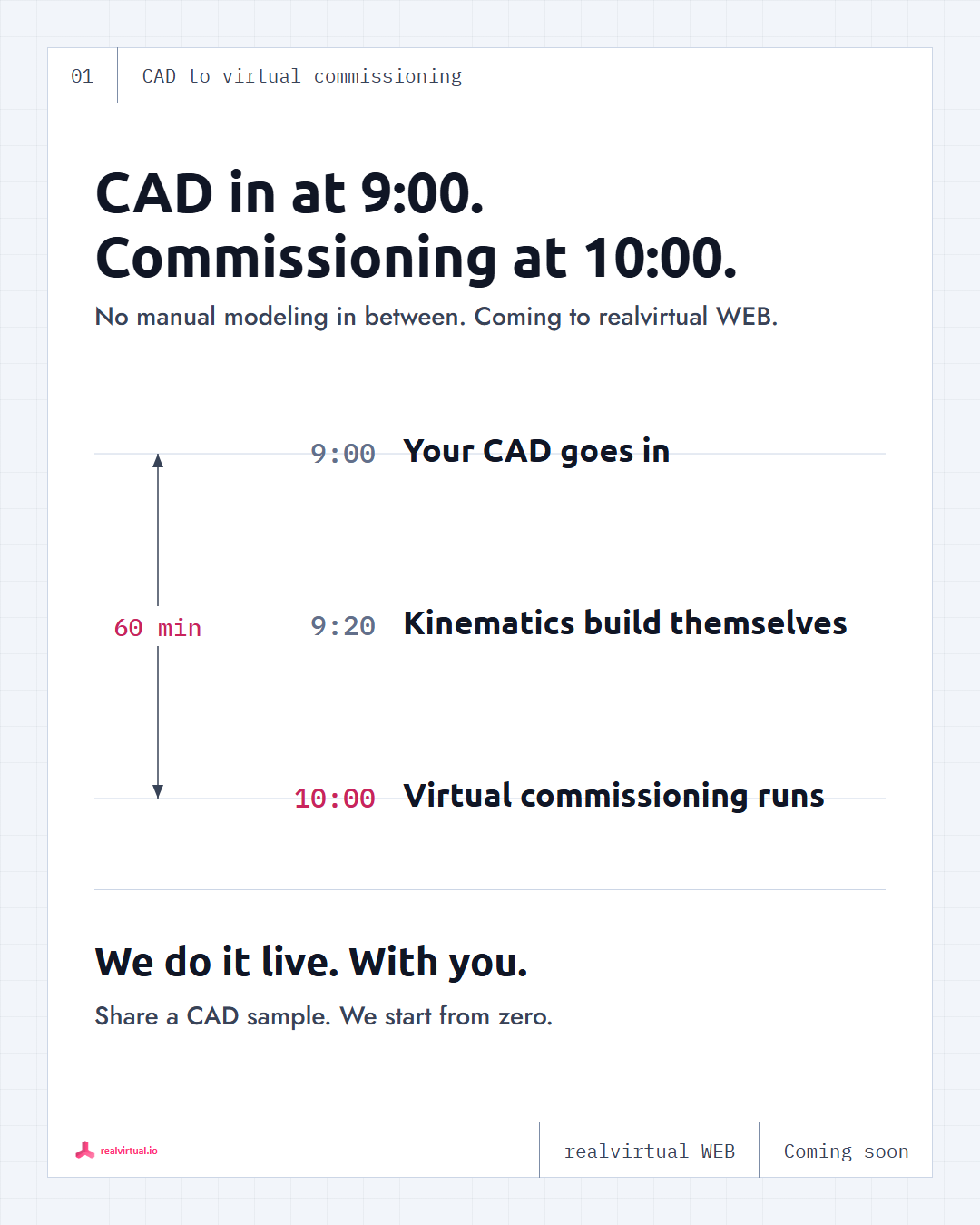
The autonox delta in the screenshot is a good example of what has changed. We supplied the CAD data and datasheets. The AI built the simulation model, including its kinematics and drive behaviours. We did not assemble it manually.
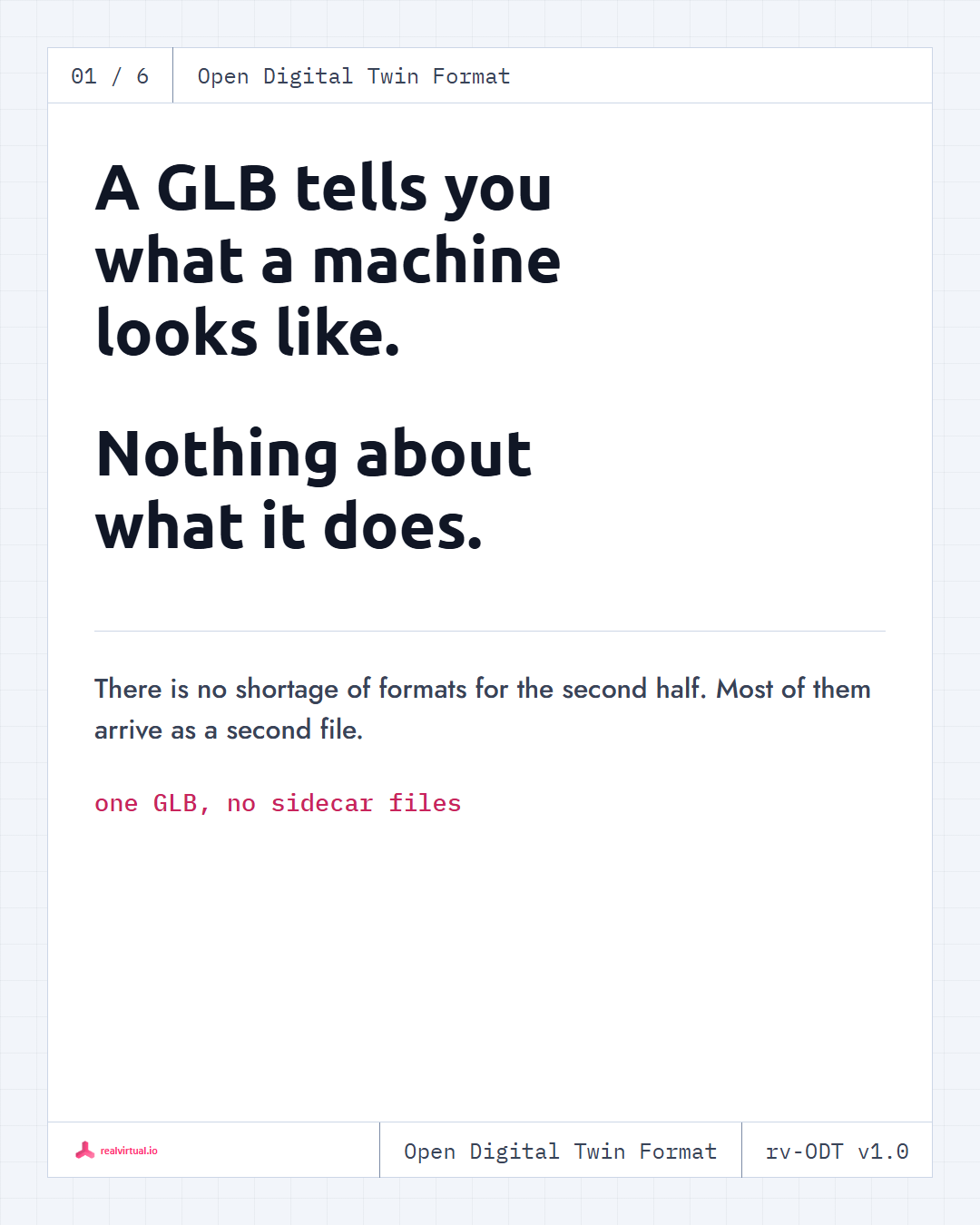
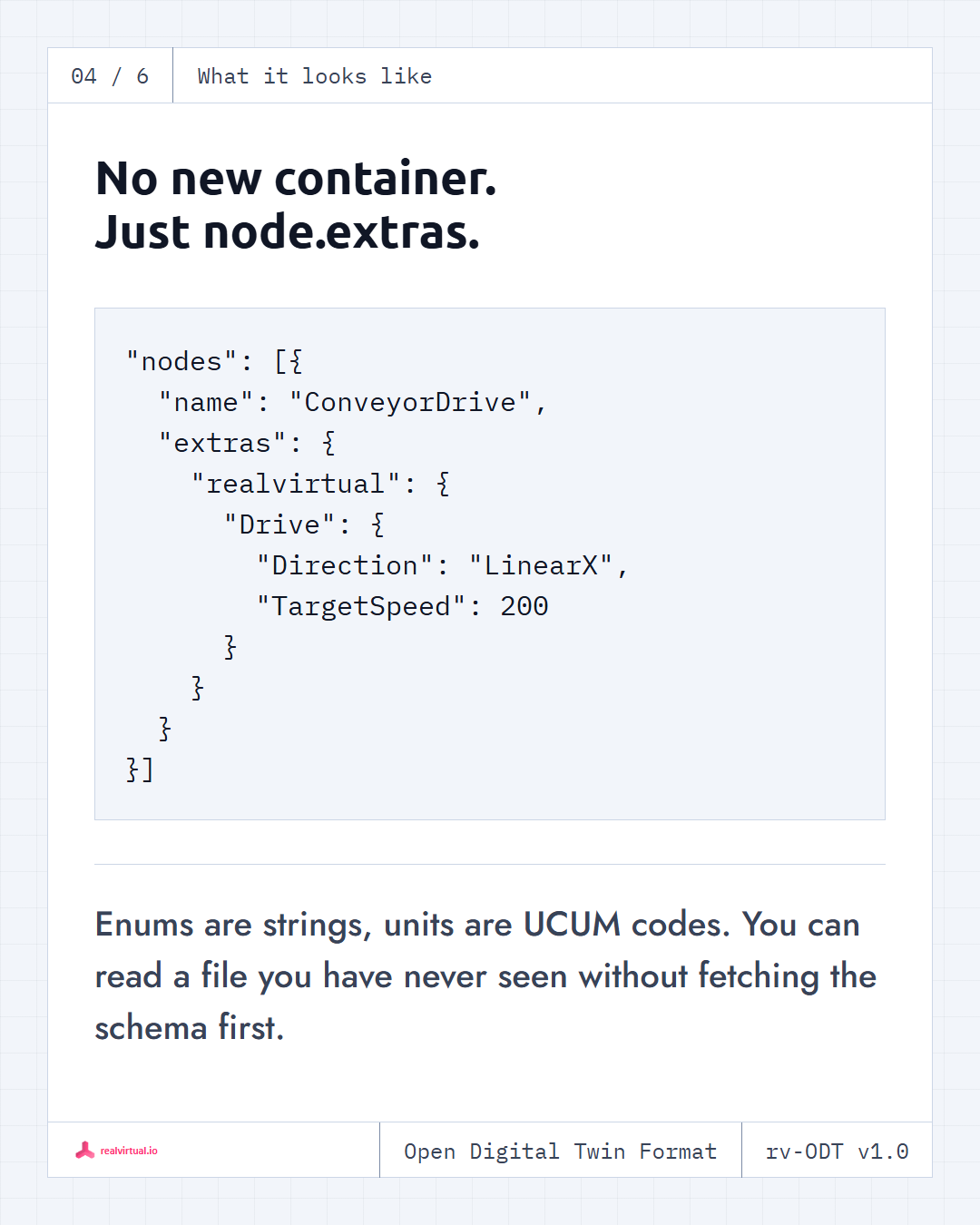
FMU co-simulation is now stored in the GLB file. Attach an FMI 2.0 FMU to a node, and it stays with the model when you share it. CONNECT runs it alongside the digital twin. That lets you include a Modelica or Simulink model directly in the file.
We also worked on mechanisms such as the closed kinematic chains in a delta robot. The release adds Cartesian paths and a trajectory visualizer. Recorded motion can be used for offline drive sizing.
The release notes cover the smaller changes too, including seven new drive behaviours, signals with units and automatic conversion, and faster picking on large models.
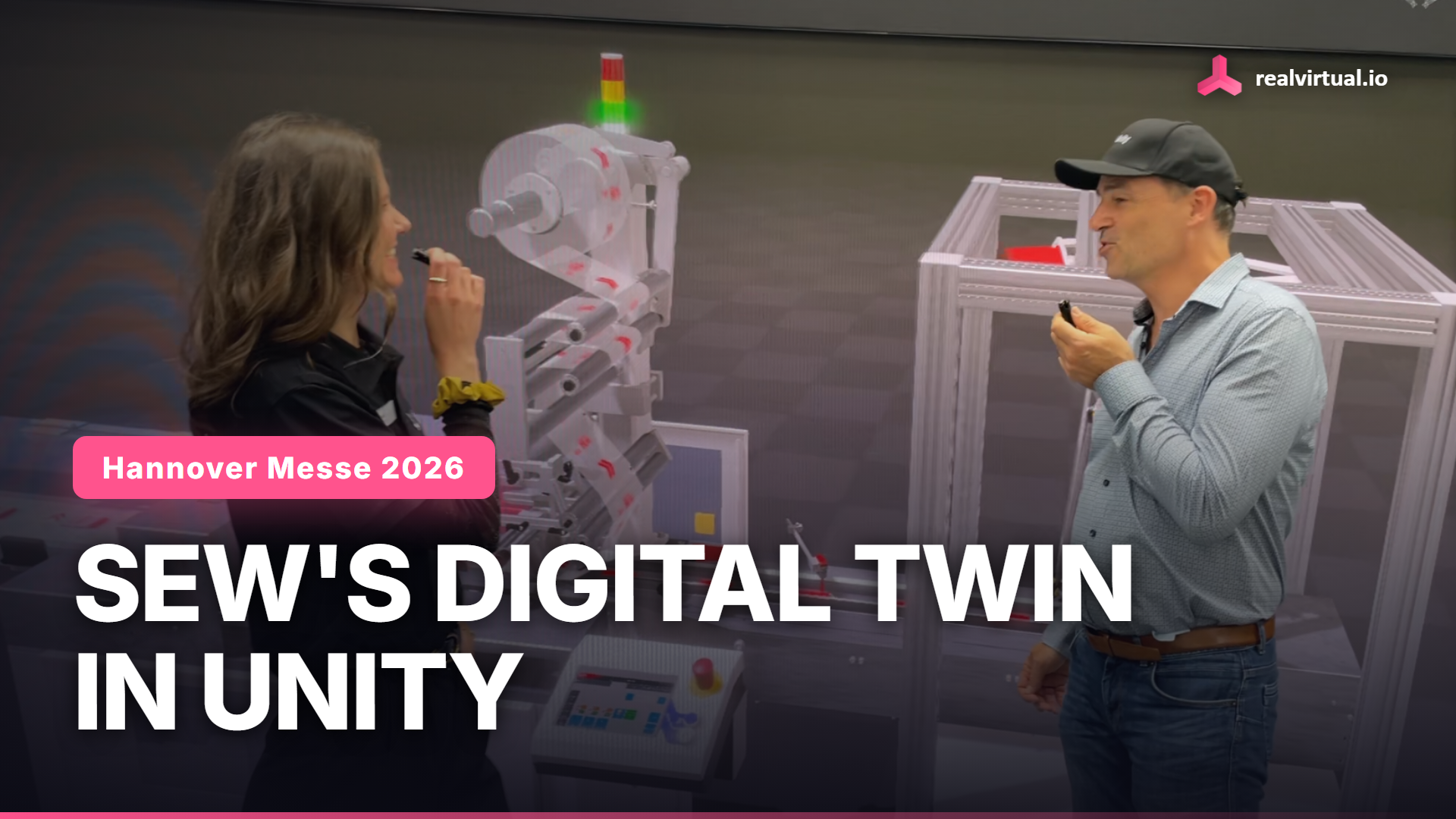
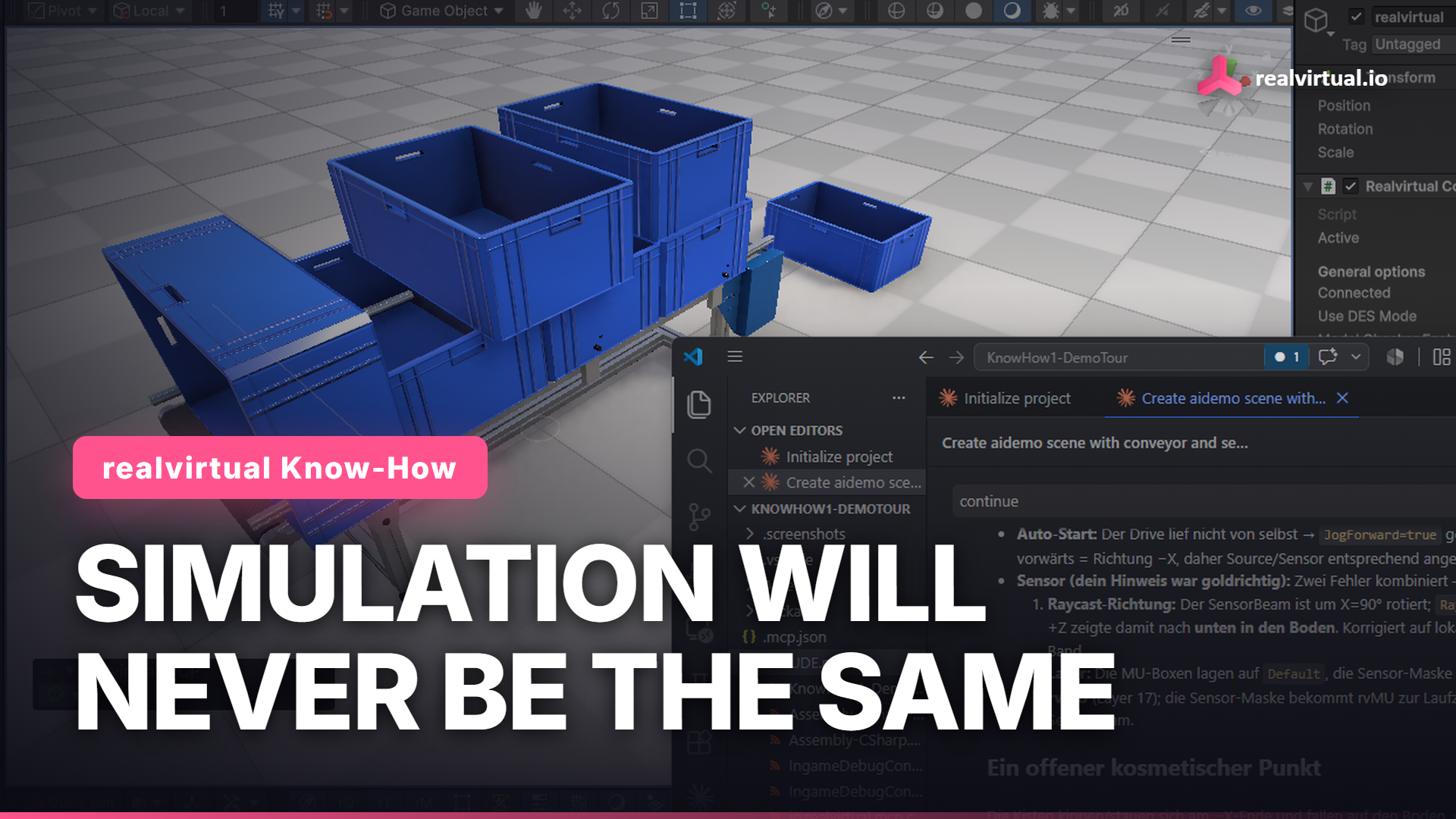
Prefer working in Unity? The commercial package also includes our Unity plugin, realvirtual Professional. Both the browser and Unity options are included.
Next, we are working on discrete event simulation so you can study material flow and throughput using the same model.
You can try the demo without an account: web.realvirtual.io/demo