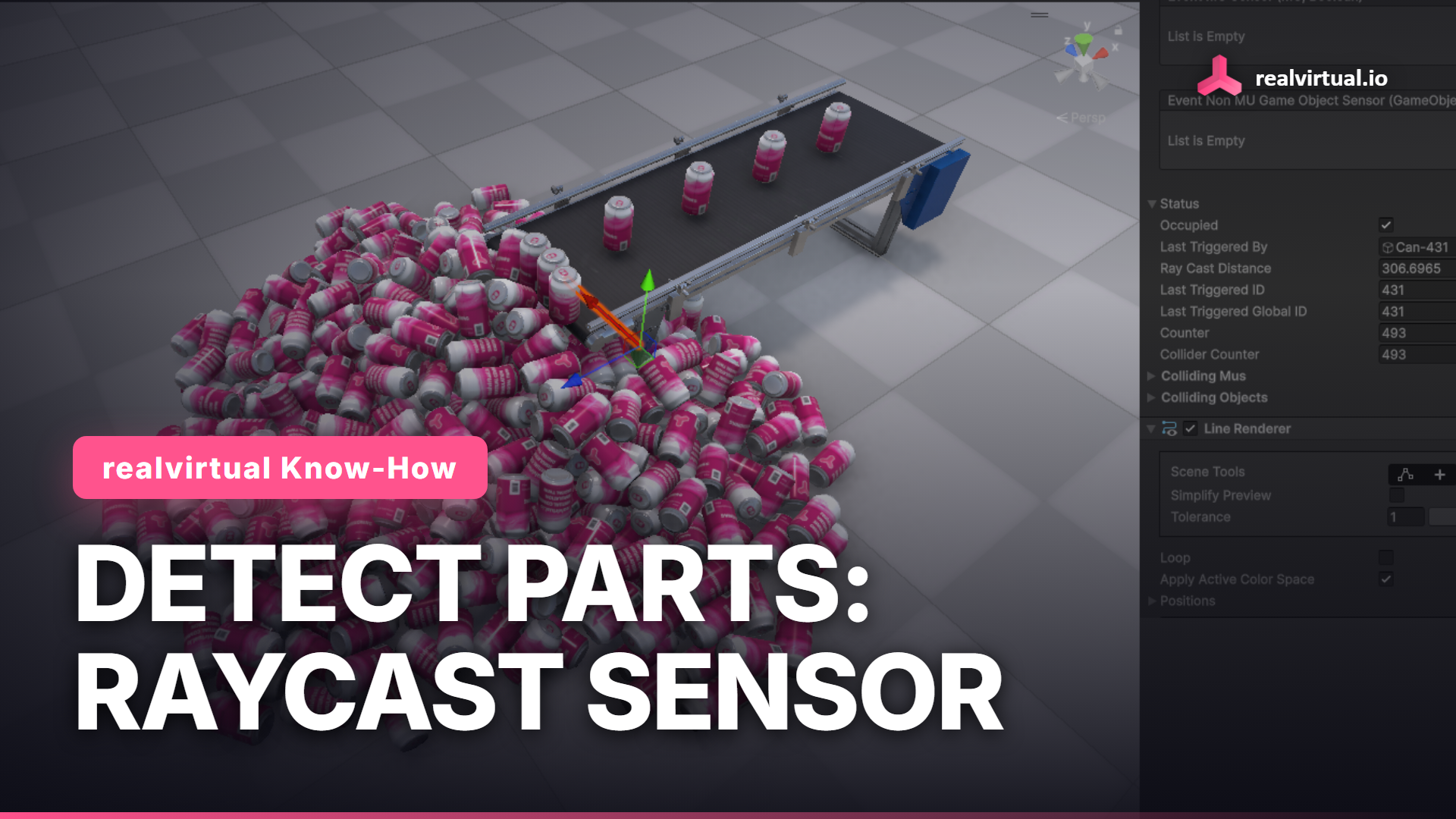
A conveyor is only useful once something downstream knows a part just went by. In realvirtual.io that job belongs to a Sensor, and in this tutorial it runs as a raycast, no collider involved.
Watch the full tutorial on YouTube
Detecting without a collider
Add an empty GameObject, then add a Sensor component with Quick Edit (F1). Set it to raycast mode: a direction from the pivot and a length in millimeters, that's the whole setup, no Box Collider required. In the Game view the ray shows up as a line, and every part crossing it flips the sensor's status to occupied.
Layers keep it honest
A raycast only checks colliders on the sensor's own layer, plus any extra layers you add. realvirtual.io keeps parts, sensors and transport surfaces on separate layers, rvMU, rvSensor and rvTransport, and a collision matrix decides which of them can touch which. That's what stops a sensor from firing on the conveyor frame or the belt itself, it only ever reacts to the parts it's supposed to see.
Raycast or Box Collider
A Sensor can run on a Box Collider instead, the same layer rules apply either way. We default to raycast here because it's the leaner option: nothing to collide against every frame, cheaper to compute, which starts to matter once a cell has more than a couple of sensors.
Try it yourself
Everything here is in the free realvirtual.io Starter on the Unity Asset Store. You need Unity 6.3 LTS.
Free Starter: realvirtual.io Digital Twin Starter on the Unity Asset Store
Documentation: doc.realvirtual.io
This article is part of the realvirtual Know-How series.