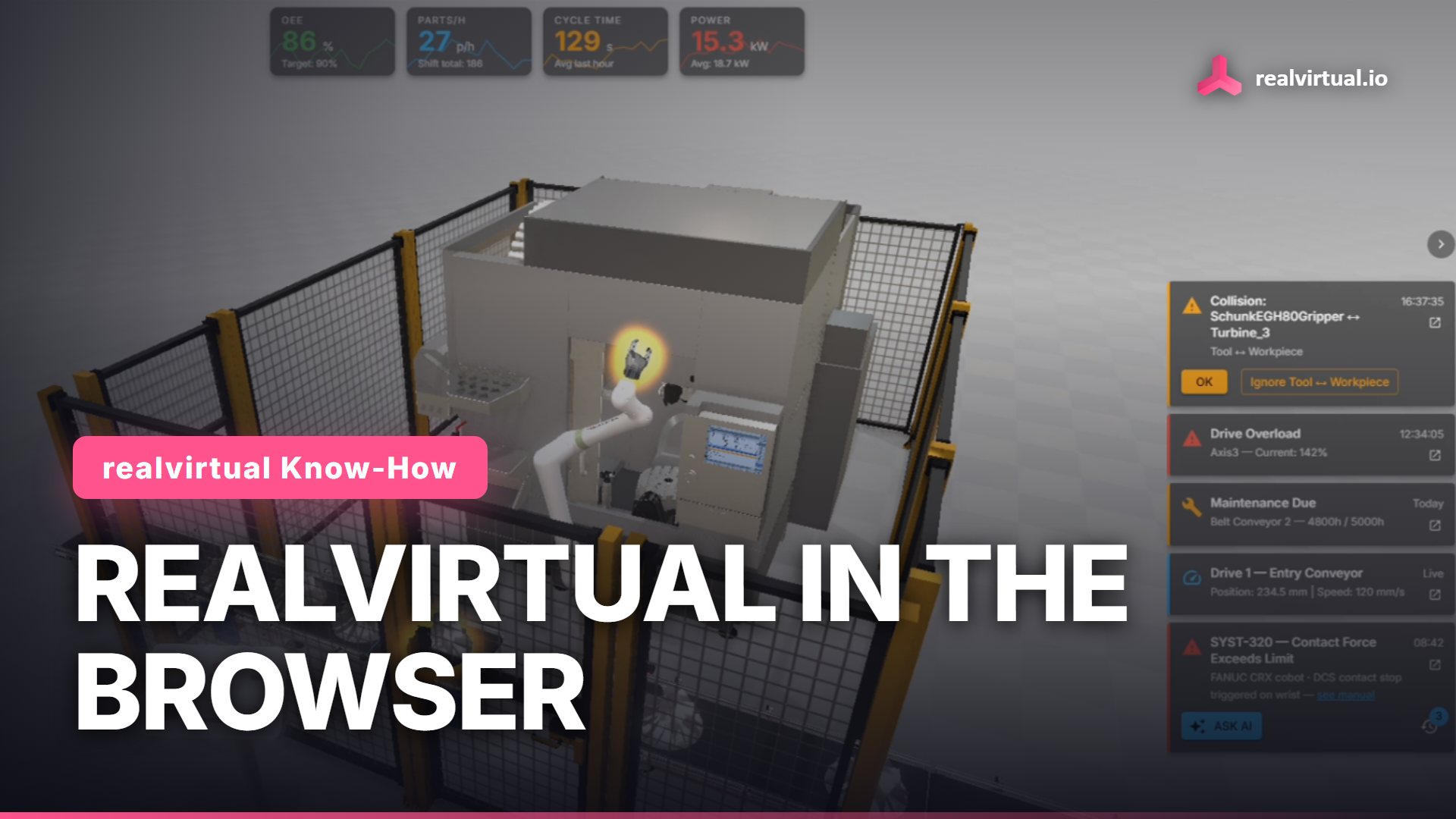
The sixth episode of realvirtual Know-How introduces the second way into a digital twin: realvirtual WEB , our browser platform. The video opens on a running machine HMI in a browser tab and then answers the question every Unity user asks first: how is this different from realvirtual on Unity, and when do I use which?
Watch the full tutorial on YouTube
Two products, two phases
realvirtual Professional runs inside Unity. It is where the machine is engineered: CAD import, kinematics, drives, sensors, native PLC drivers, full virtual commissioning. realvirtual WEB is a separate product built on Three.js, TypeScript and React. It is where the finished twin is delivered: to an operator, a service technician, a customer, in any modern browser, with no Unity license required to view or operate it.
Web does not mean server
This is the point that causes the most confusion. realvirtual WEB is application delivery, not a hosted service. The static build and the model are downloaded once from any web server, and everything after that runs on the viewer's own device: rendering, HMI logic, model data. A live PLC connection is optional, and it stays inside your own network.
One core, one open format
Both sides stand on the same foundation. It is one component model, implemented twice: in C# for Unity and in TypeScript for the web. Drives, sensors and signals behave the same way on both. And both read and write the same file format, GLB with the realvirtual extensions: geometry, kinematic hierarchies, drive parameters, sensor definitions, signal bindings and camera presets, all self-contained in one file. Your twin is never locked into one runtime. The export lives under Tools > realvirtual > Export > WebViewer Tools and requires realvirtual.io Professional.
What a 3D HMI actually gives you
The video tours the live demo: a KPI bar bound to the model, drive and sensor charts plotting live signals, alarms that name the component that raised them, link to the relevant manual page and can hand the whole context to an AI assistant, maintenance guides running as step sequences on the geometry, and manuals and drawings pinned to the parts they belong to. Values come either from the standalone 60 Hz simulation in the browser, or from a real controller through realvirtual CONNECT, an MQTT broker or your own bridge over the open rv WebSocket protocol.
Try it yourself
Open the live demo at web.realvirtual.io/demo , or read the realvirtual WEB documentation . The viewer is free and open source under AGPL-3.0 on GitHub ; a commercial license covers proprietary models, plugins and configuration.
Next in the series: virtual commissioning, connecting a real PLC to the twin and testing control code before the machine exists.
realvirtual Commercial includes the realvirtual for Unity Starter and Professional plugins as downloads — an option, not a prerequisite: the digital twin is authored in the browser, so Unity is not required. realvirtual for Unity Professional is also available separately, without realvirtual Commercial. The Unity Editor licence is not included and must be obtained separately from Unity Technologies.