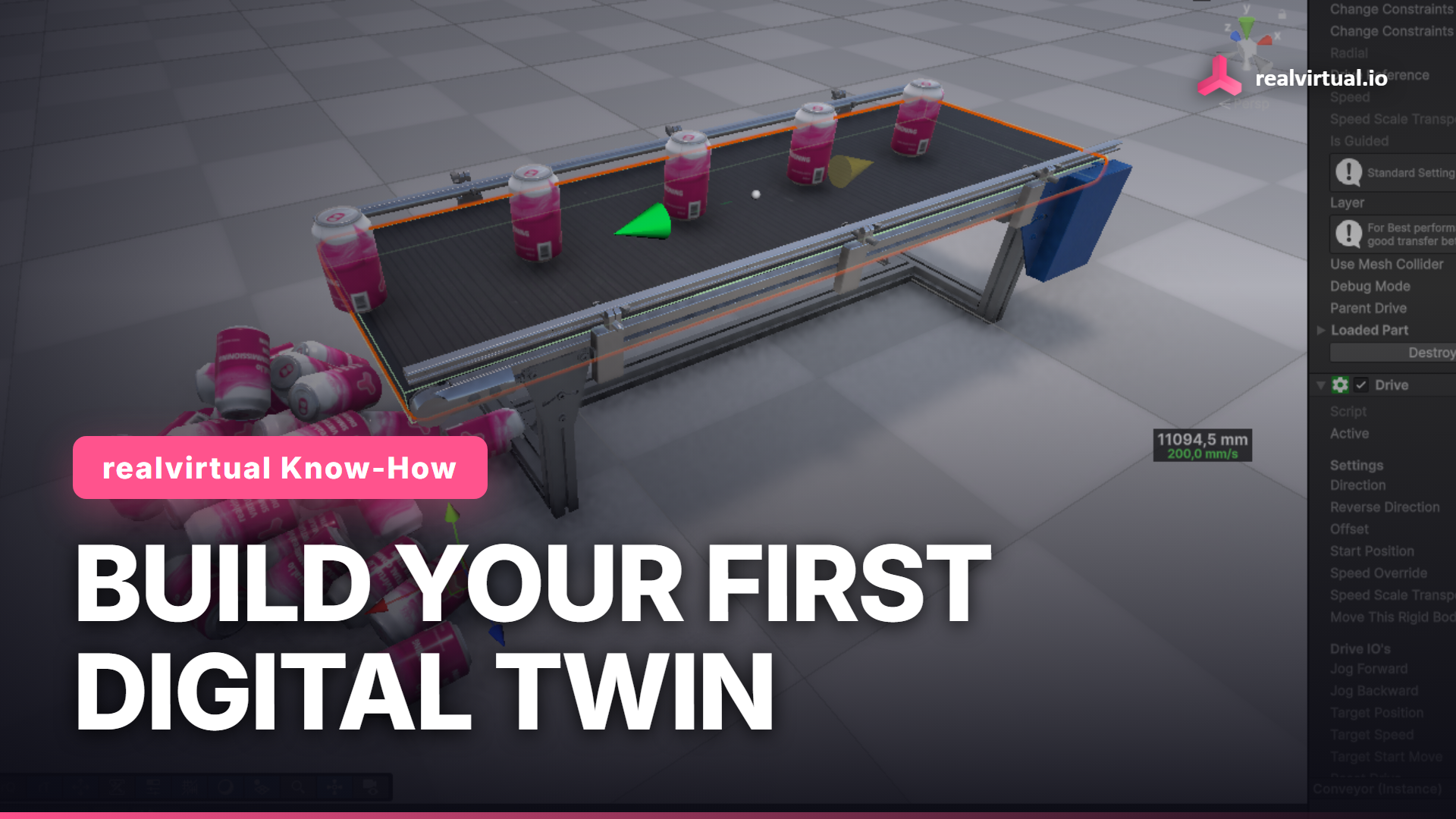
People use digital twin for almost anything that moves on a screen. In realvirtual.io it means something concrete: 3D geometry plus behavior. In this tutorial we start with nothing but geometry, a conveyor, and end with a machine that moves real parts. No code, with the free realvirtual.io Starter.
Watch the full tutorial on YouTube
How to build a digital twin: the five steps
- Import the geometry from CAD (STEP, JT, FBX or GLB).
- Add materials so the model looks like the real machine.
- Add behavior: drives, transport surfaces, sensors.
- Add parts with a Source so material flows.
- Run it and, as the next step, connect a real PLC.
Below, each step on a real conveyor. The same model can later be connected to a controller for virtual commissioning. More on the Unity digital twin for industry.
Start with geometry, the way it comes from CAD
We drop in the conveyor as an FBX file. An FBX is pure geometry: no movement, no material. That is exactly what you get out of a CAD system. realvirtual Professional imports STEP and JT directly, Unity Industry adds more CAD interfaces, or you export an FBX or a GLB from a tool like Blender. Either way you land here, a model that looks right and does nothing.
Give it materials
realvirtual ships ready-made materials. Drop the Conveyor material on the belt, Aluminium on the frame, a blue plastic on the side. Now it looks like a real conveyor. Still only geometry, though.
Add the behavior: Transport Surface and Drive
This is where it becomes a twin. Select the conveyor surface, open Quick Edit with F1, and add a Transport Surface. That puts a realvirtual component on the GameObject and marks the face that moves the goods. Add a Drive on the same object, set the direction to Linear X, switch Jog Forward on, and give it a target speed. The Drive powers the surface.
Spawn a part with a Source
We still need something to move. Select the Transport Surface and press Insert, and realvirtual drops a Source that spawns a part, what it calls a Movable Unit, or MU. Slide it to the start of the belt.
Press Play
The Source creates parts and the conveyor carries them. At the end they drop off under gravity. Change the Drive's Target Speed and they move faster or slower. That is your first digital twin, built from a raw CAD model with two components and a source.
Try it yourself
Everything here is in the free realvirtual.io Starter on the Unity Asset Store. You need Unity 6.3 LTS.
Free Starter: realvirtual.io Digital Twin Starter on the Unity Asset Store
Documentation: doc.realvirtual.io
This article is part of the realvirtual Know-How series.